Veribl logo

Digital IFUs, device registration and UDI traceability for medical device makers.

Medical device companies need a digital connection to every device in the field. Veribl provides registration, documentation, service tracking and safety communication from one QR code on the device.

What do your device users need?

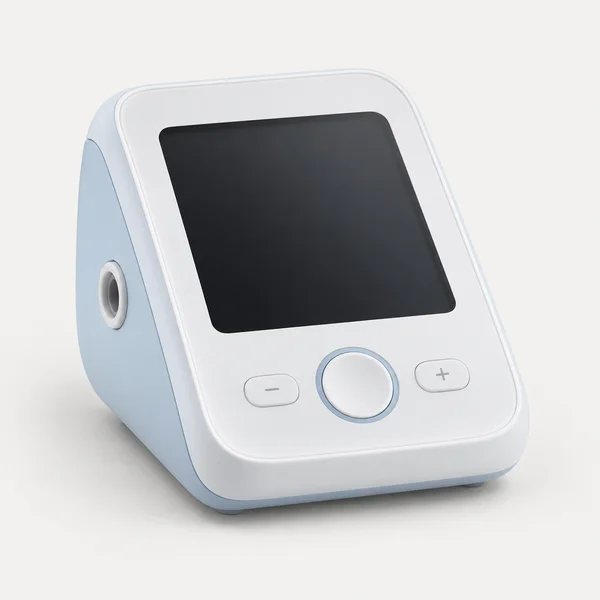
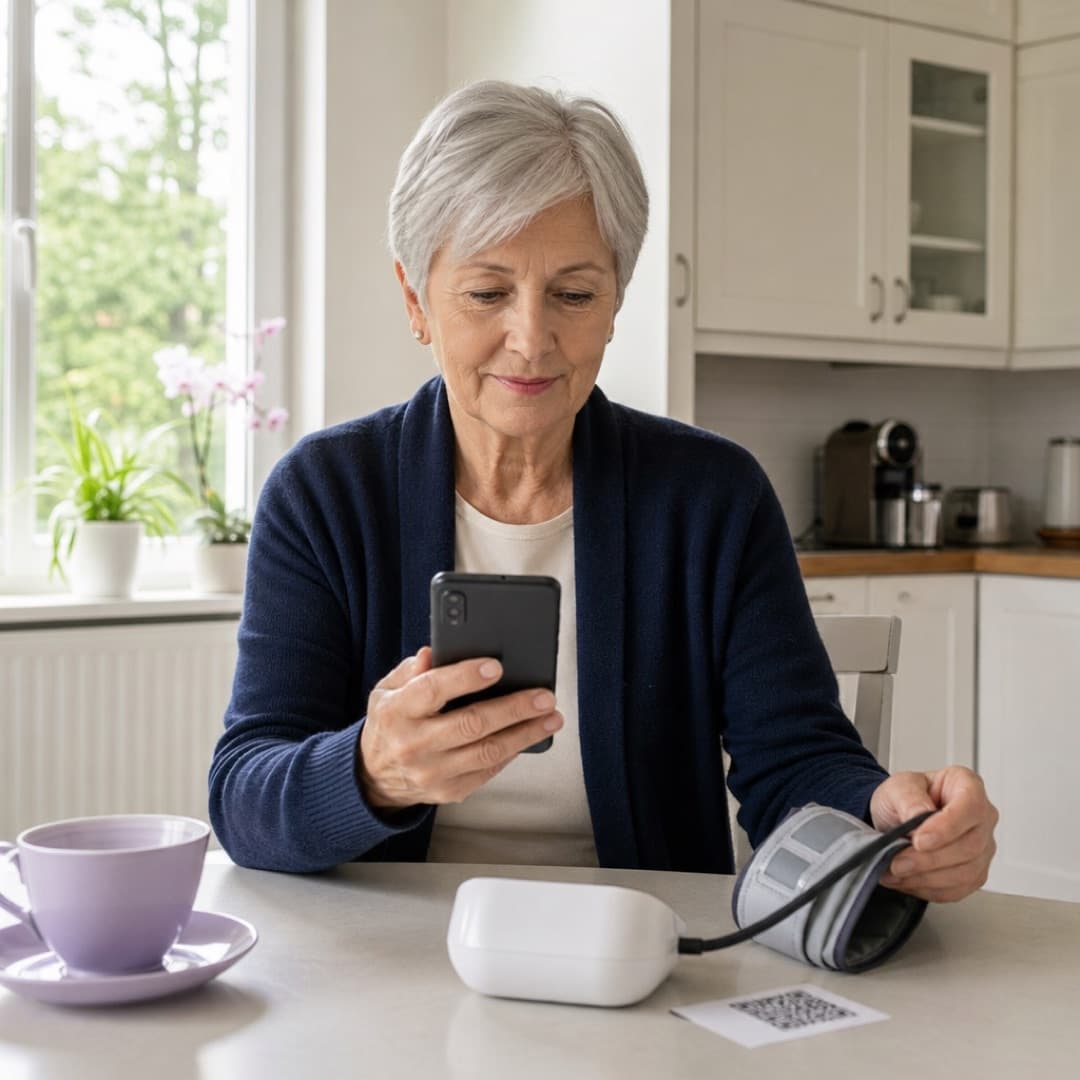
Woman reading the instructions for her blood pressure monitor on her phone

What is medical device traceability?

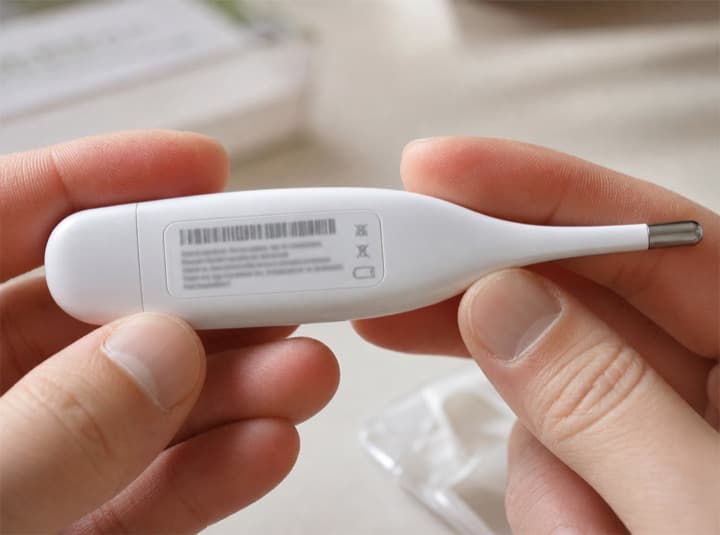
Medical device traceability is the ability to identify each device and follow it from manufacturing through distribution to use, at home or in a clinic, along with its service history and any safety actions. Veribl supports it with a serialized QR code on every device that links to registration, digital IFU, service records and recall notices.

  • A record for every unit

    Each device record holds manufacturer, model, lot or batch, serial number and expiration date, linked to its UDI data.

  • Registration at point of use

    Owners, pharmacies or care teams register the device when it is first used, so you know which unit is where.

  • Targeted recall notices

    Find affected devices by lot, serial range or date, and notify registered owners directly.

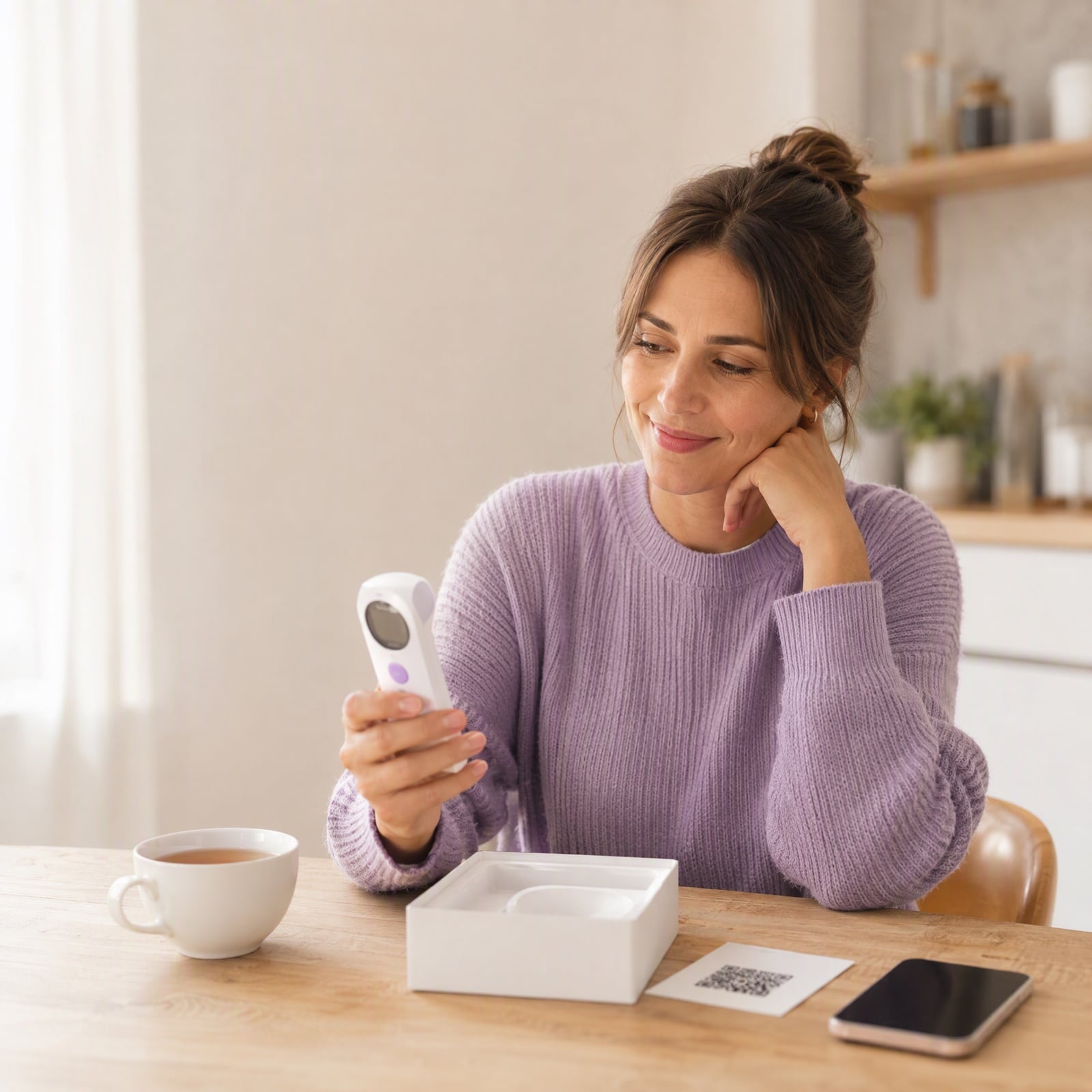
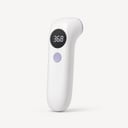
A woman at her kitchen table checks a small white forehead thermometer, with its quick-start card and her phone beside her

One scan opens everything a customer needs after the sale.

1 QR
One code connects customers to everything their product needs.
5 in 1
Guides, registration, support, emails, and product information.
0 apps
No app to download. Customers scan and open their product page.

UDI traceability and service records for every device.

UDI compliance, service history, calibration schedules — all tracked per device, audit-ready at any time.

UDI compliance, automated.

Serialized QR codes encode device identification data. Every unit is traceable from manufacturing to first use, meeting FDA UDI and EU MDR requirements.

Audit-ready records, always.

Complete service history per device — calibrations, maintenance, field corrections. Ready for regulatory inspection at any time, with no manual record-keeping.

How medical device traceability works with Veribl

One QR code on the device connects it to its digital record, from first deployment to field safety actions.

  1. Step 1

    Label each device with a QR code

    Every unit gets a serialized code that links to its own digital record and UDI data.

  2. Step 2

    Register at point of use

    Owners or care teams scan the code to register the device when it is first used.

  3. Step 3

    Track service and documentation

    Calibrations, maintenance and IFU updates stay attached to the device record, with alerts when service is due.

  4. Step 4

    Reach registered devices in a recall

    Find affected units by lot, serial range or date, notify owners and track acknowledgments.

Medical device registration and recall management.

One QR code connects every device in the field to its complete digital record.

Device registration at point of use.

Owners or care teams scan the QR code to register the device when it is first used. Veribl creates a complete traceability chain from manufacturing to use — required by FDA UDI and EU MDR.

Recall reach — 100% of registered devices.

When a recall is issued, Veribl identifies all affected devices and sends direct notifications to registered owners and facilities. Track acknowledgment rates, automate follow-ups, and maintain a complete audit trail.

Device registration, post-market data and digital IFU in one platform.

Device registration & traceability.

QR-linked device identification. Each unit registered at point-of-use, creating the traceability chain regulators require.

Post-market surveillance data.

Real-world device performance data, usage patterns, and user-reported issues — the evidence regulators increasingly require for post-market surveillance.

Digital IFU & documentation.

Always-current digital Instructions for Use. When documentation updates, every device owner instantly accesses the latest version via QR scan.

Frequently asked questions