Fewer returns, happier customers.
Most product returns aren't defects — they're confusion. Give every consumer instant access to setup guides and AI troubleshooting via QR code, and watch return rates drop 15–25%.
Step 3 of 5
See how help reaches a customer who is stuck.
Answer common product questions from approved guidance, with the source visible to the customer.
Industry research
Sources: Gartner
Today · 9:41 AM
Hi! I can help with your Enzo dining table. Ask me about setup, care, or troubleshooting.
- One code connects customers to everything their product needs.
- 1QR
- Guides, registration, support, emails, and product information.
- 5in 1
- No app to download. Customers scan and open their product page.
- 0apps
Know exactly where returns start.
See which products generate the most confusion — and fix it before the return decision.
Return risk monitor
LiveStanding Desk Pro
142 queries/mo
61%
Monitor Arm X3
87 queries/mo
78%
Cable Tray Kit
23 queries/mo
94%
94% of queries resolved without a human agent
Spot high-risk products early.
See which products generate the most support queries and confusion patterns before returns spike.
AI deflection breakdown
94%
resolved without agent
AI
routine questions
< 2 min
avg resolution time
AI resolves before it escalates.
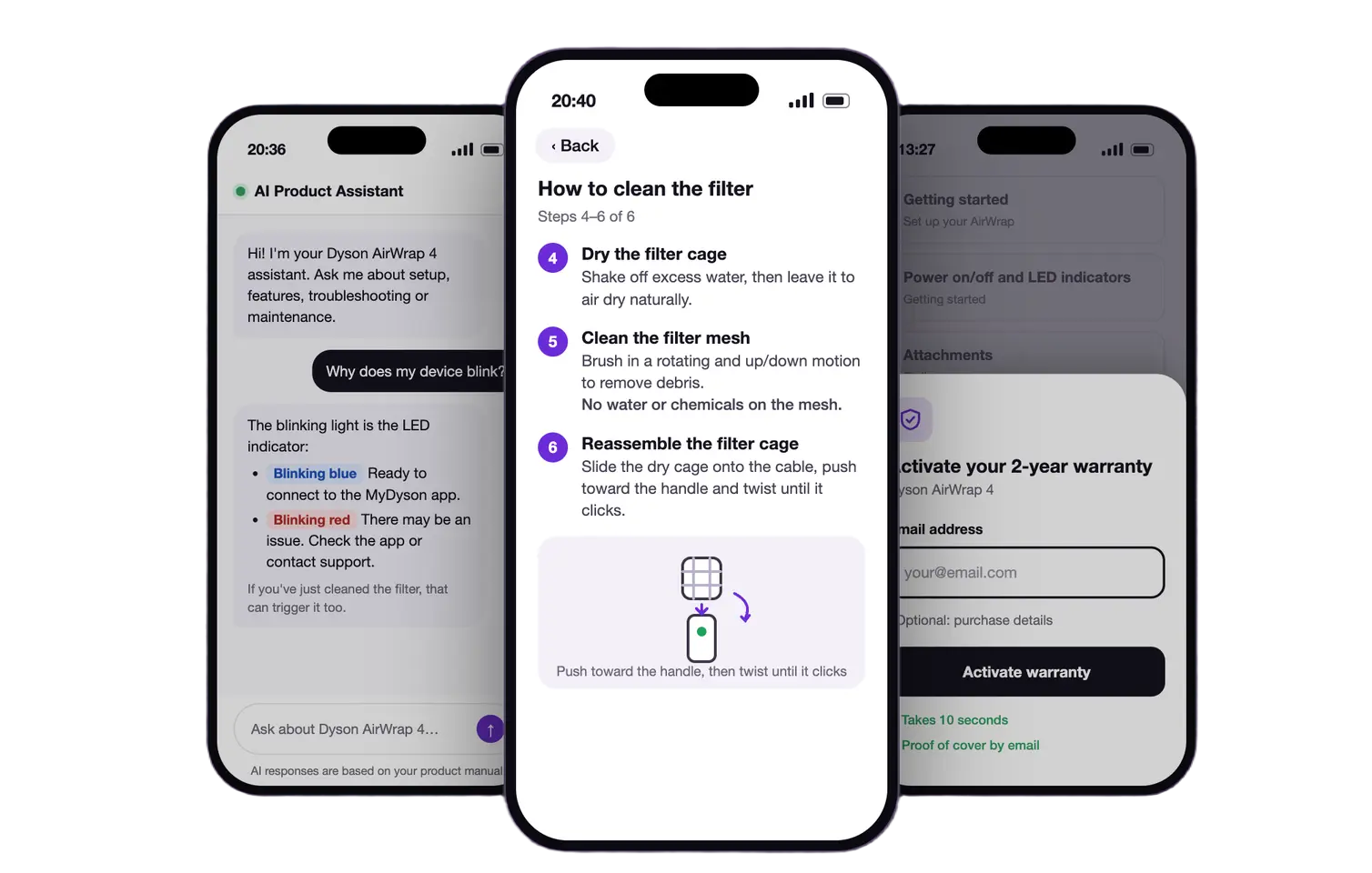
AI can answer documentation-based questions when customers need help, before they start a return.
Stop the return before it starts.
Veribl intercepts at every point where confusion becomes a decision.
Answers at the moment of confusion.
When a consumer scans the QR on their product, they instantly access step-by-step setup guides and AI troubleshooting — no phone hold times, no waiting for email.
Assembly guide
Standing Desk Pro
Step 2 of 5
Attach the crossbar
Slide the crossbar into the left upright bracket until you hear it click. The arrow should face upward.
Catch buyers before they decide.
Automated emails at day 1, day 3, and day 7 post-purchase deliver setup tips and common mistake warnings at exactly when most return decisions happen.
From: Veribl Support <[email protected]>
Quick setup tip for your Standing Desk Pro
Day 3 after purchase
Hi Sarah, a quick heads-up before you get started:
Common mistake to avoid
Most users try to tighten the crossbar bolts before aligning the uprights — this causes wobbling. Align first, then tighten.
Your full interactive assembly guide is ready whenever you need it.
Where Veribl stops the return.
Most returns are decided within 48 hours of purchase. Veribl intercepts at each moment.
To clean the filter on your ProClean X500:
- Open the bottom rack
- Turn the filter handle counter-clockwise
- Rinse under warm water
- Replace and lock clockwise
Source: User Manual, p. 24
Instant AI troubleshooting.
When a consumer is stuck, AI diagnoses the problem and walks them through a fix in under 2 minutes. Available 24/7, at the moment frustration peaks — before the return decision.
Interactive setup guides.
Step-by-step digital guides accessible via QR scan. Searchable, multi-language, always up to date. Consumers find answers in seconds instead of giving up.
Proactive check-in emails.
Automated emails at day 1, 3, and 7 post-purchase with setup tips and common mistake warnings — sent at exactly when most return decisions happen.
Frequently asked questions
See the experience that makes your brand loved
Book a demo