Veribl logo

Warranty claims software that checks every claim for you.

Many warranty claims are really setup questions. Veribl's AI assistant troubleshoots first, and real faults arrive as claims with the registration record.

How can Veribl help with claims?

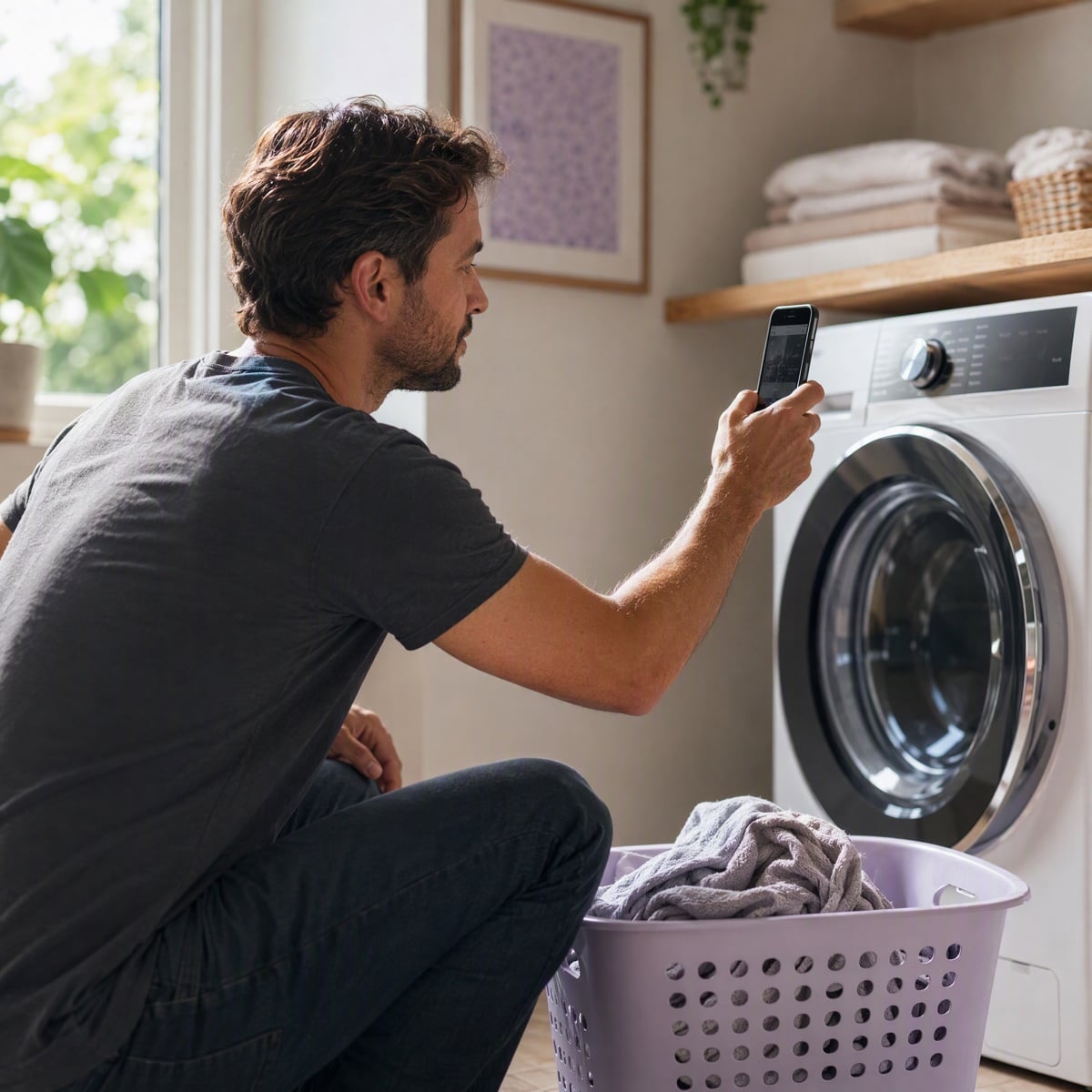
A man photographing the control panel of his washing machine with his phone

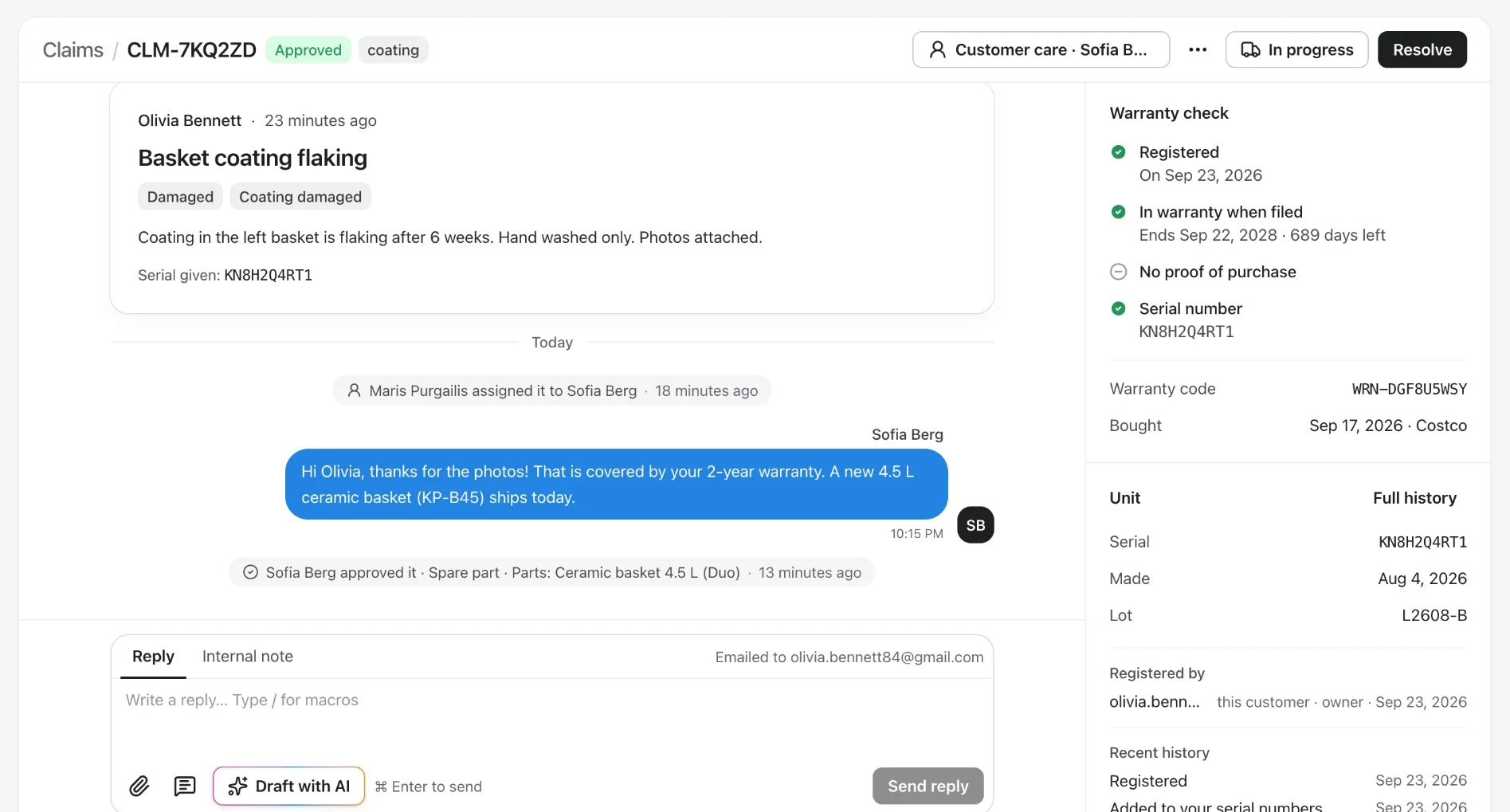
Every claim arrives with the warranty already checked.

Registration, proof of purchase and serial number are checked before anyone opens the claim, so your team can approve it, pick a part and reply in one place.

Every claim arrives with the warranty already checked.
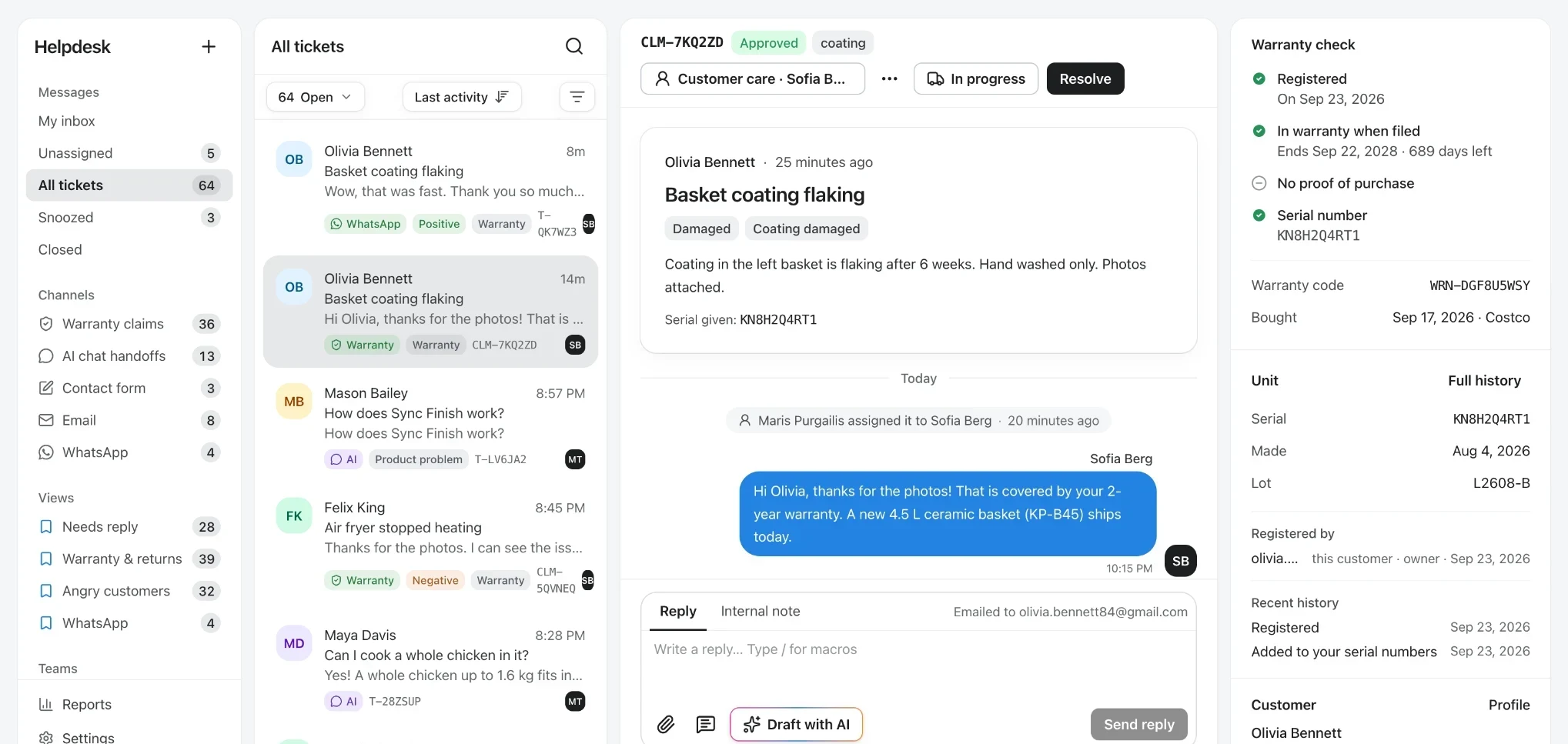
A warranty claim in Veribl: the customer's message, an approved spare part and the reply, next to the warranty check (registered, in warranty, serial number) and the unit's make date and lot
1 / 3
Checked on arrival
Registration, warranty, proof of purchase and serial number.
Unit history
Make date, lot and every repair since.
Resolve in one screen
Approve, pick the part, log costs and reply without switching tools.

Everything you need to close a claim.

Decide, fix and learn from every claim without leaving the claim.

  • Approve the claim, choose the spare part from your catalog and reply to the customer from the same screen.

  • The serial number brings its make date, lot and every repair since, so a bad batch is easy to spot.

  • Log shipping, parts, labor and replacements on the claim, and see cost per claim in reporting.

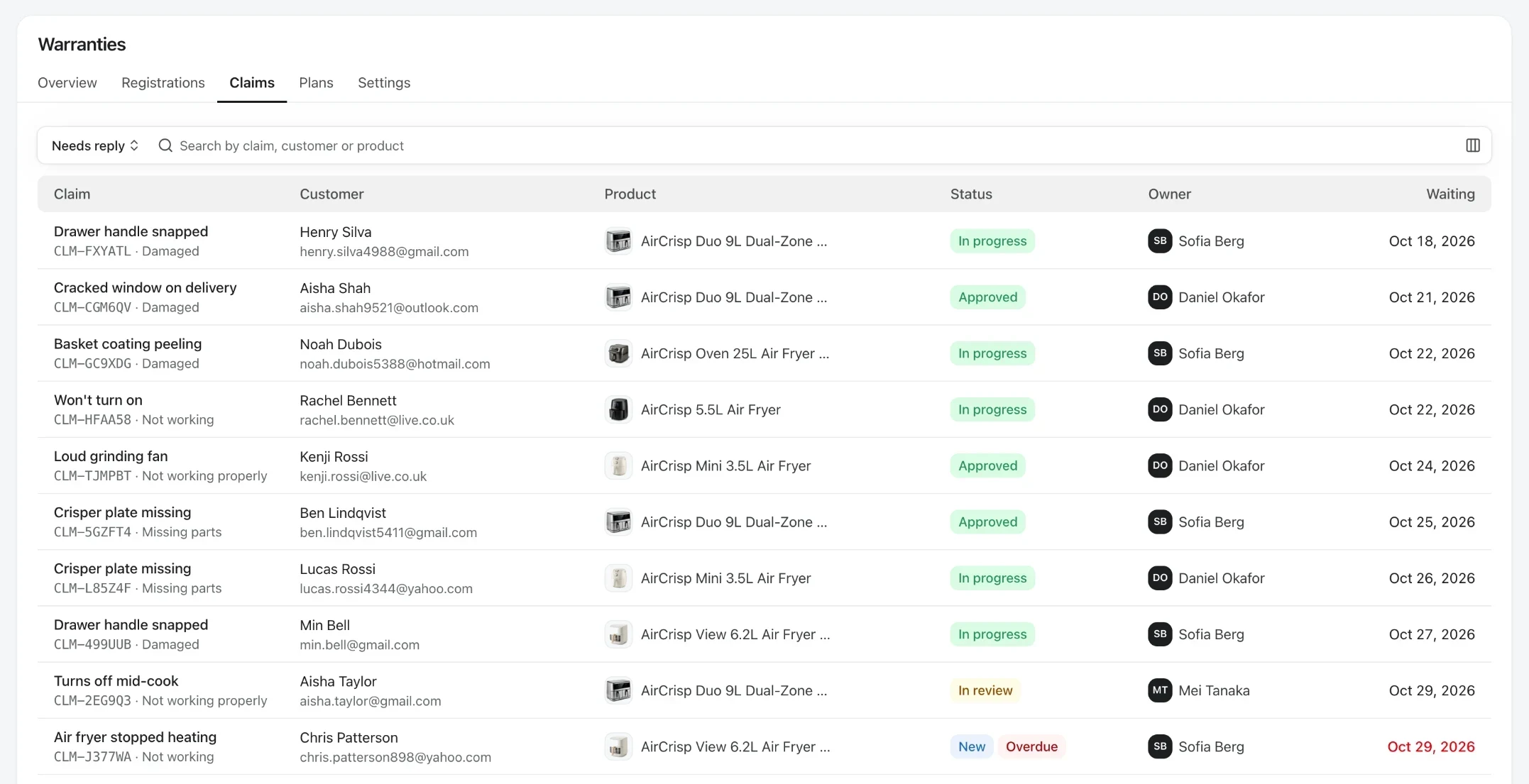
  • See which models get the most claims for the units you sold, and what each claim costs on average.

  • The reasons customers pick add up into a clear list of what to fix in the next production run.

What is warranty claims management software?

Warranty claims management software is a tool that receives, validates and resolves warranty claims for a manufacturer. Customers submit a claim online, the software checks it against the product's warranty record, and your team only handles the claims that need a decision.

  • Online claim submission

    Customers scan the QR code on the quick-start card or in the manual, describe the issue and attach a photo.

  • Automatic validation

    Serial number, purchase date and warranty terms are checked against the registration record.

  • Status tracking

    Customers get an update at every stage, and your team sees every claim in one place.

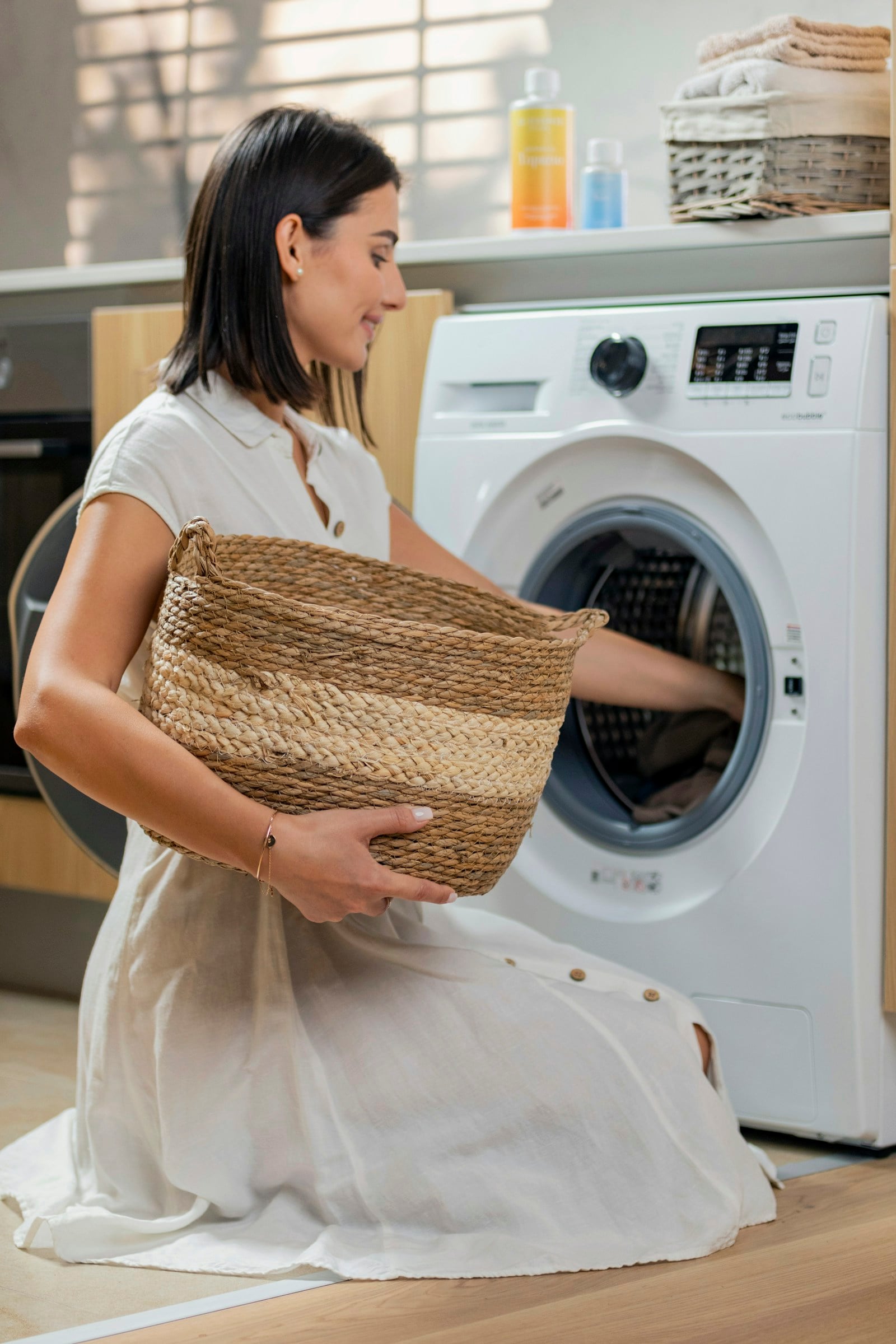
A woman kneeling with a woven laundry basket while loading a front-loading washing machine

Fix it before it becomes a claim

Most people won't read a 60-page manual, but they will ask a question. Veribl's AI assistant answers in plain language from your manuals, guides and product data, so a blinking light, a strange noise or a setting gets sorted at home instead of turning into a warranty claim.

  • Asking beats searching

    Customers describe the problem in their own words, in 40+ languages, and get the exact steps for their model.

  • Answers from your content

    Every answer comes from your manuals and guides and shows its source, so it says what your support team would say.

  • Real faults go straight to a claim

    When it can't be fixed at home, the customer files the claim from the same page, with the product and serial already known.

One scan opens everything a customer needs after the sale.

1 QR
One code connects customers to everything their product needs.
5 in 1
Guides, registration, support, emails, and product information.
0 apps
No app to download. Customers scan and open their product page.

How warranty claims processing works

From the customer's first question to a resolved claim.

  1. Step 1

    The customer asks the AI assistant

    They scan the QR code on the quick-start card or in the manual and describe the problem in their own words. The AI assistant walks them through the fix from your manuals and guides.

  2. Step 2

    Real faults become claims

    If it can't be fixed at home, the customer submits a claim from the same product page and adds photos. The product and serial number are already known.

  3. Step 3

    Veribl validates it

    The claim is matched to the warranty record, so coverage, serial number, proof of purchase and earlier claims are on it from the start.

  4. Step 4

    Your team reviews exceptions

    Rules you set approve straightforward claims straight away. The rest go to your team with all context attached, and the customer gets an update at every stage.

Automated warranty claim validation and fraud checks

Rules handle the routine claims, so your team handles the ones that need judgment.

Automated end-to-end pipeline.

The customer submits via QR scan. The claim arrives with the purchase date, serial number and coverage from the registration, and your rules approve, tag, assign or ask for more information.

Fraud prevention built in.

Customers prove ownership before they claim, and you decide which claim reasons need a receipt, photos or video. Out-of-warranty claims are flagged, and repeat claimants can be routed for review.

Warranty claims automation features

QR-powered submission

Consumers scan, describe the issue, attach a photo, and submit. No phone calls, no email threads, no hold times.

Claims analytics

Track claim volumes, resolution times, approval rates, and cost per claim. Identify products with systematic defects before they become a recall.

Automated status updates

Consumers receive automatic updates at every stage — submitted, under review, approved, resolved. No chasing support for updates.

Frequently asked questions