
 The AI assistant in Veribl
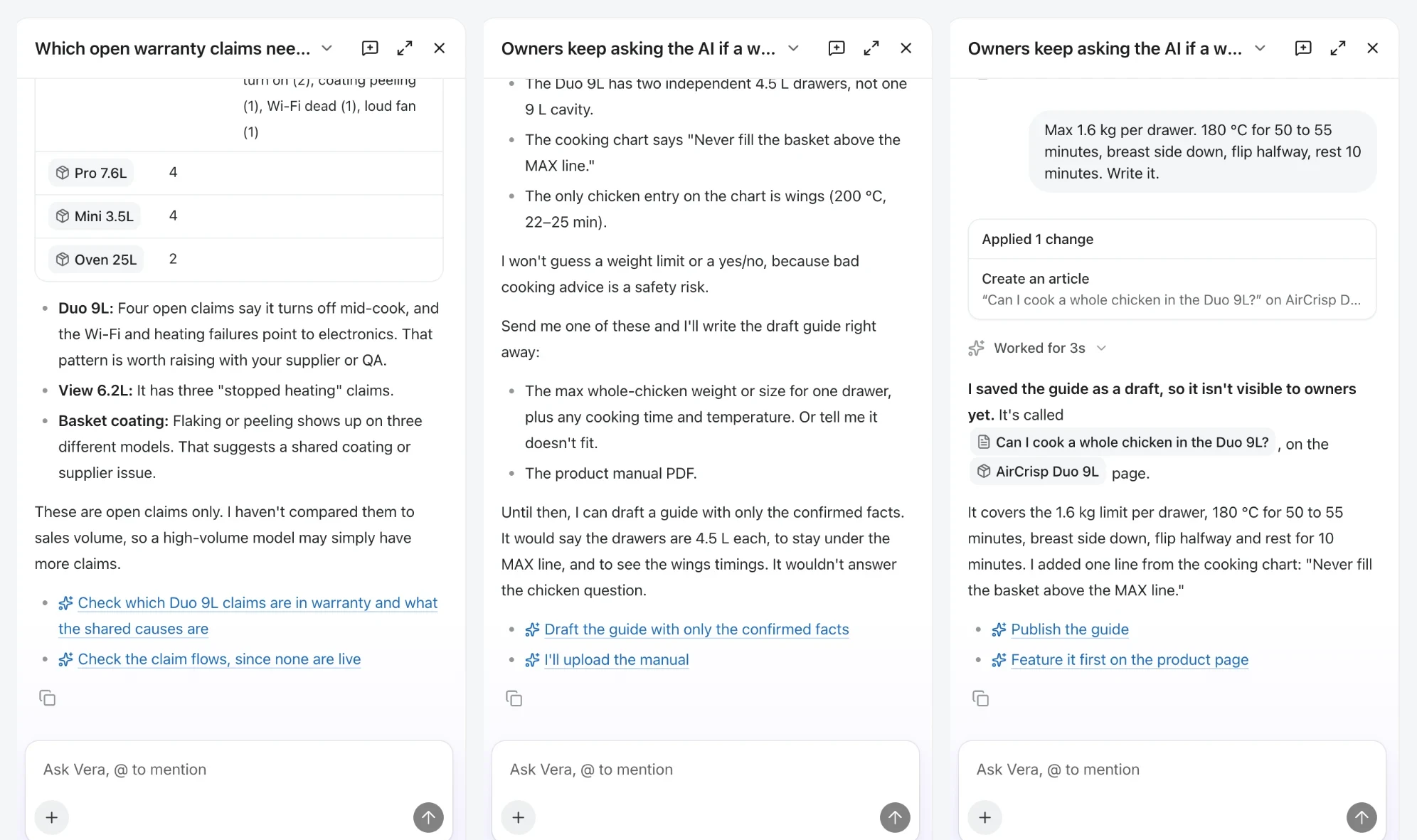
STEP 1
Vera finds the gaps
It checks which passport fields are still empty and which supplier makes that part.
Vera is the AI assistant built into Veribl. Ask it anything about your products and customers, hand it your documents, and let it do the busywork.
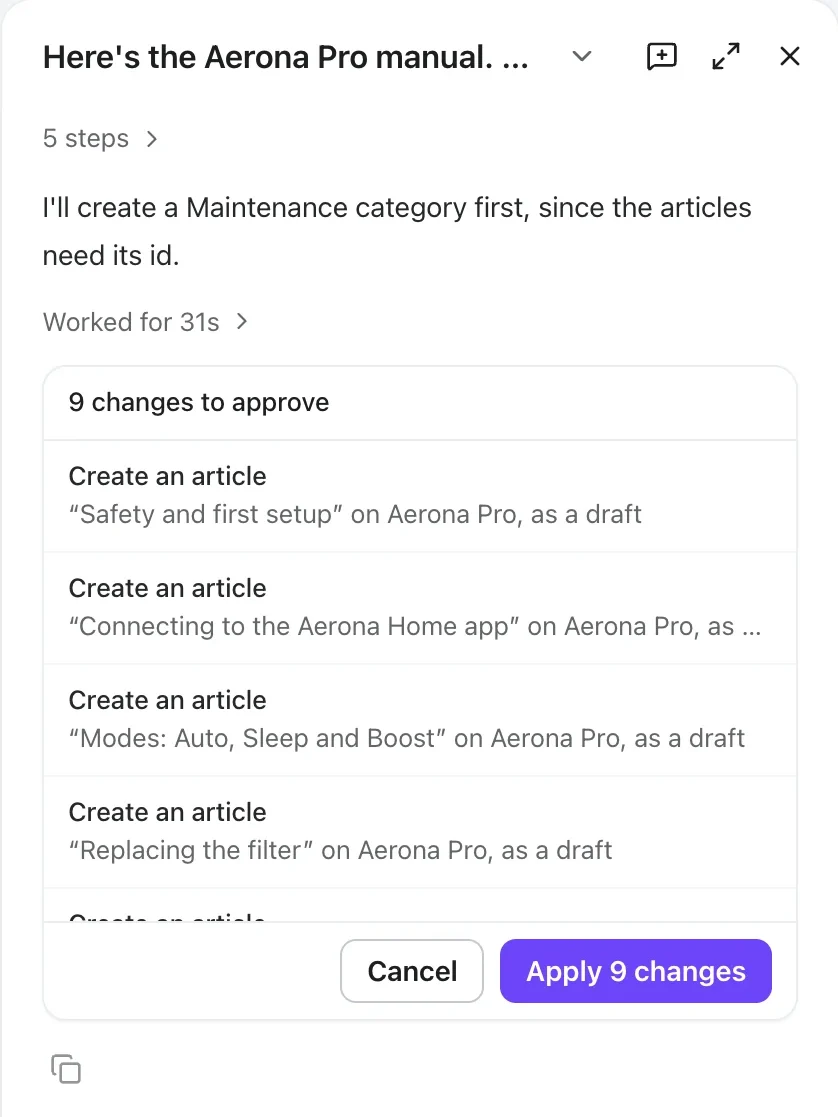
The AI assistant knows your products, claims and passports. It finds the gaps and drafts the fixes, and nothing changes until you say so.
Answers, guides, product data and photos, right beside your work on every page.
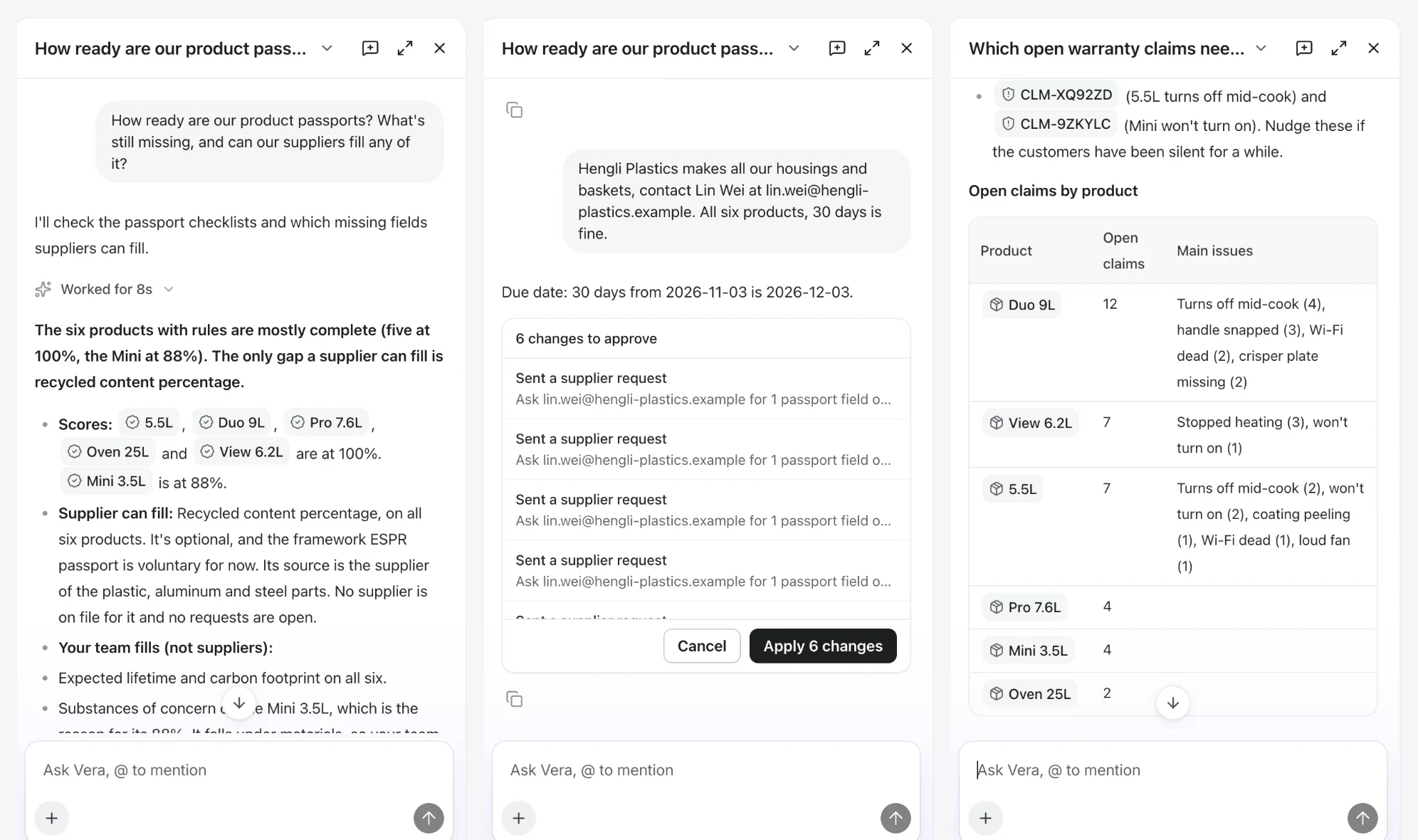
How your products are doing, what owners think and what needs your attention.
Hand Vera a manual and get clear, translated guides your customers can use.
Vera pulls the details from files you already have and tells you what's missing.
Crop, square up and clean the background. Your original stays untouched.
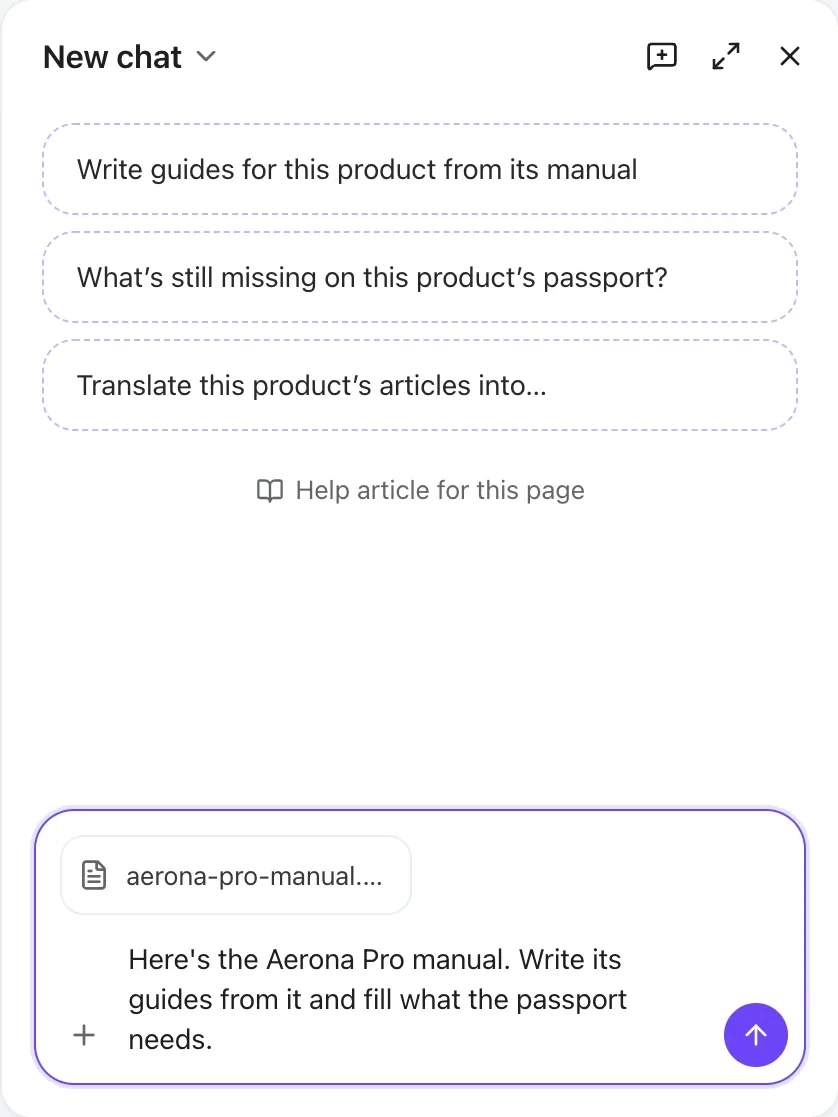
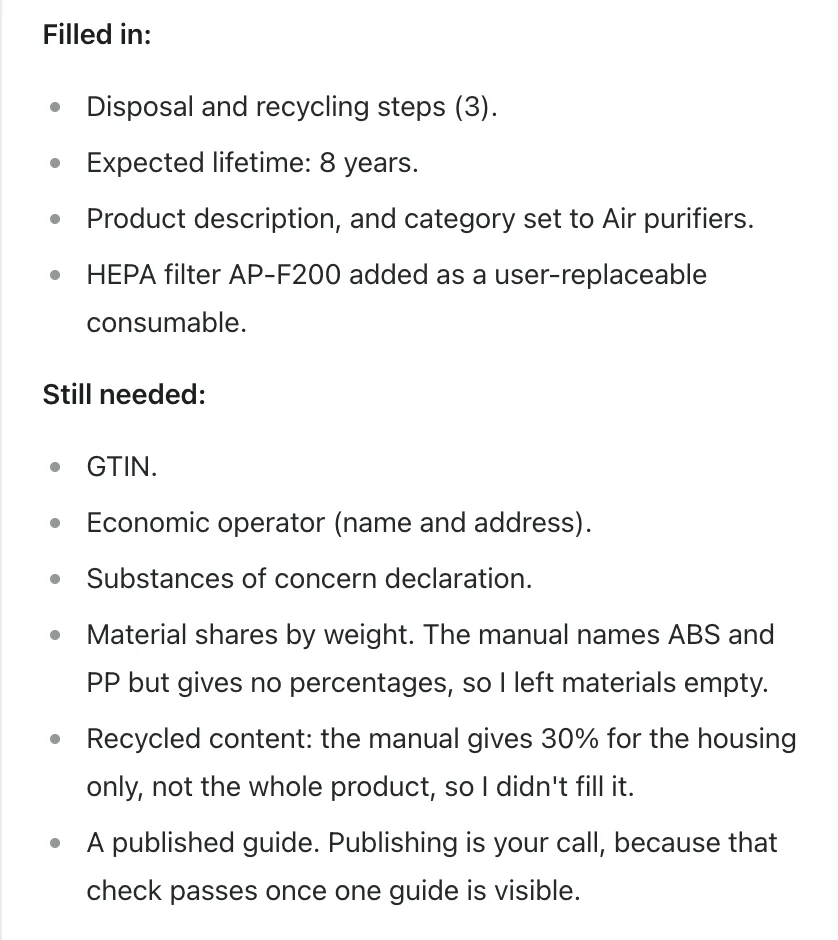
A real example: one air purifier manual, turned into guides and product data in a single request.
Type what you need, or drop in a file.
You see each step as it happens.
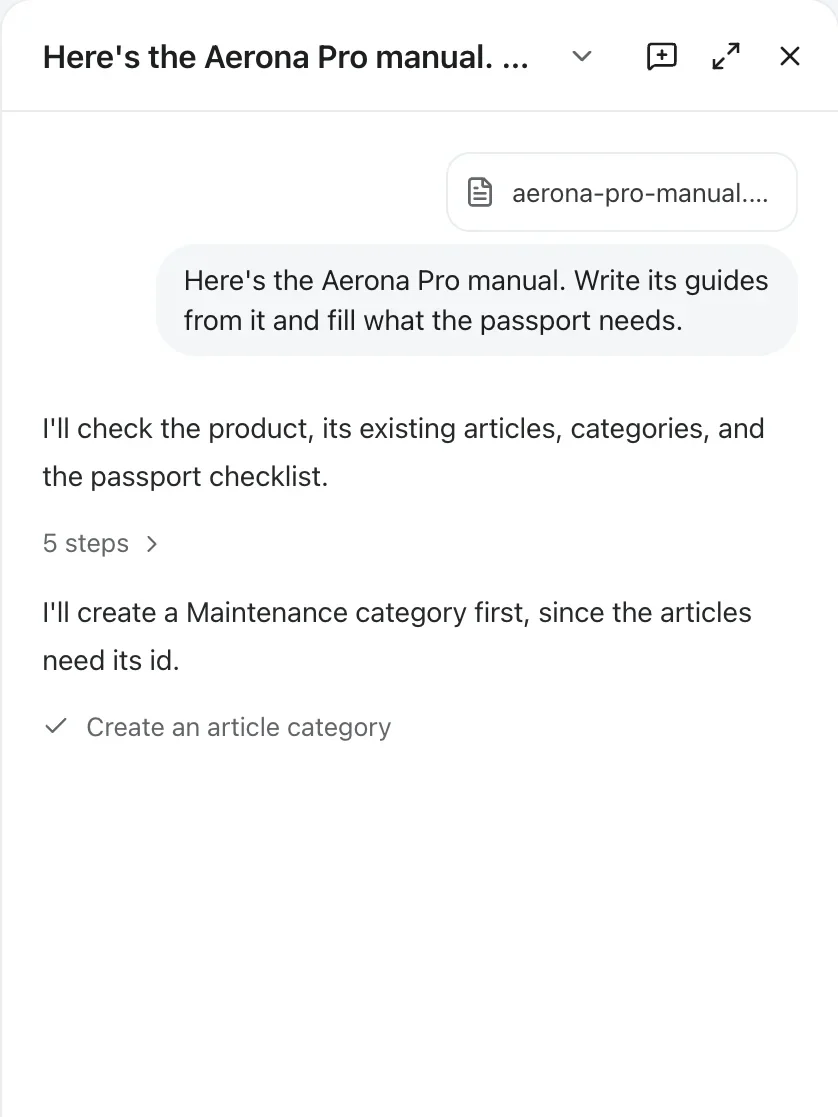
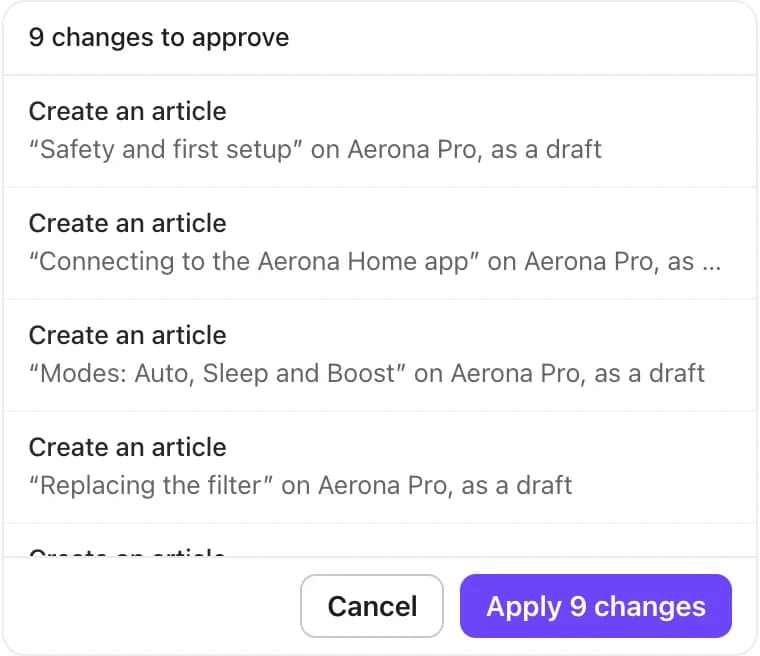
Nothing changes until you say so.
Every change is logged and linked.
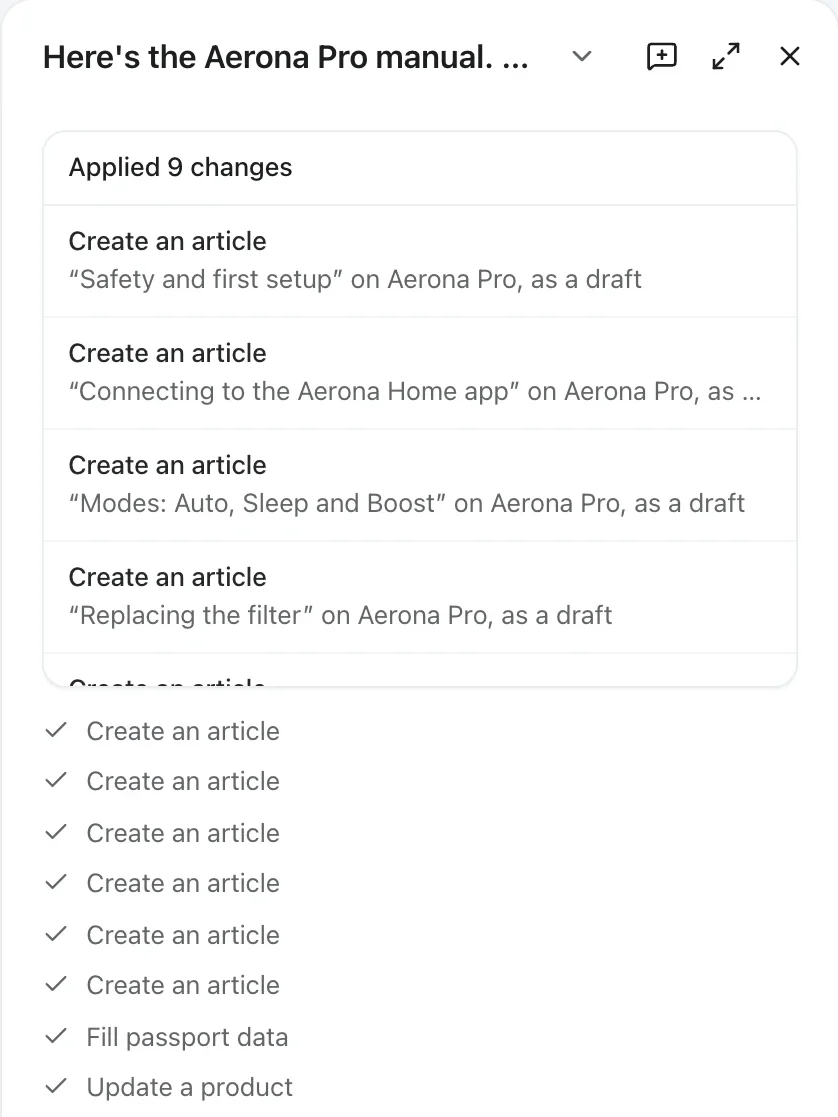
Hand Vera a manual and get clear, well-organized guides your customers will actually read, true to the original.
Everything starts as a draft, so you see it before your customers do.
The manual's diagrams and photos come along, right where they belong.
One request, and your guides are ready in all of them.
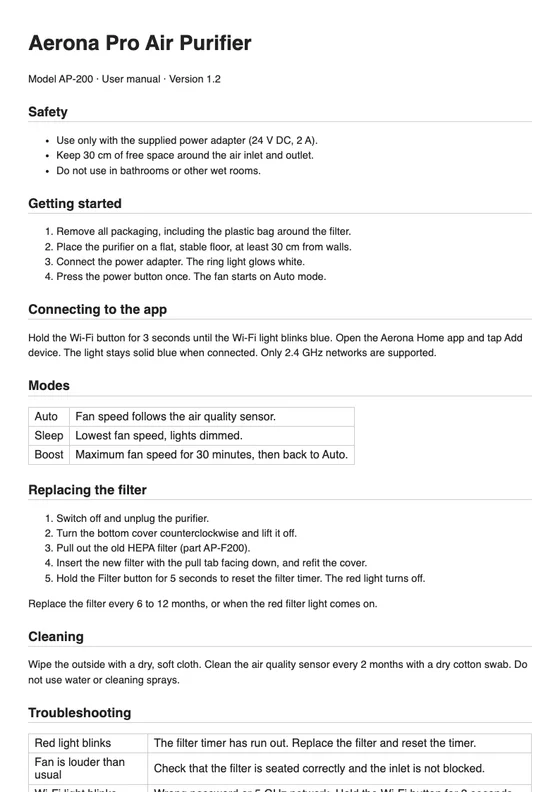
Vera finds the details in your documents, fills them in and tells you plainly what's still missing.
The product details are already in there. Vera finds them.
Pass on the spreadsheets your suppliers send, and Vera fills in your data.
One picture of the label or barcode is enough to set up a product.
The same data fills your digital product passports.
No more chasing spreadsheets by email. Vera requests exactly what's missing, your suppliers answer in the Veribl supplier portal, and the passport fills itself in.
STEP 1
It checks which passport fields are still empty and which supplier makes that part.
STEP 2
Vera drafts it for you: the supplier, the exact fields, and the rule and deadline behind them.
STEP 3
They sign in with a code sent to their email, drop in their documents, and the answers fill themselves, each with the page it came from.
STEP 4
You review and approve, and the data goes into the passport. Every answer is sealed exactly as it was sent.
Questions about EU product rules get answers straight from the law, with a link to the official text. The rules are kept up to date, so you always see the current version. A fast way to the source, not legal advice.
Do our e-bike batteries need a battery passport, and from when?
E-bike batteries are LMT batteries, so yes. The Batteries Regulation says:
“From 18 February 2027 each LMT battery, each industrial battery with a capacity greater than 2 kWh and each electric vehicle battery placed on the market or put into service shall have an electronic record (‘battery passport’).”Read it on EUR-Lex(opens in a new tab)
The small tasks that eat up your week, handled in a sentence.
Ask Vera to crop, square up or clean the background of a photo. Your original stays untouched.


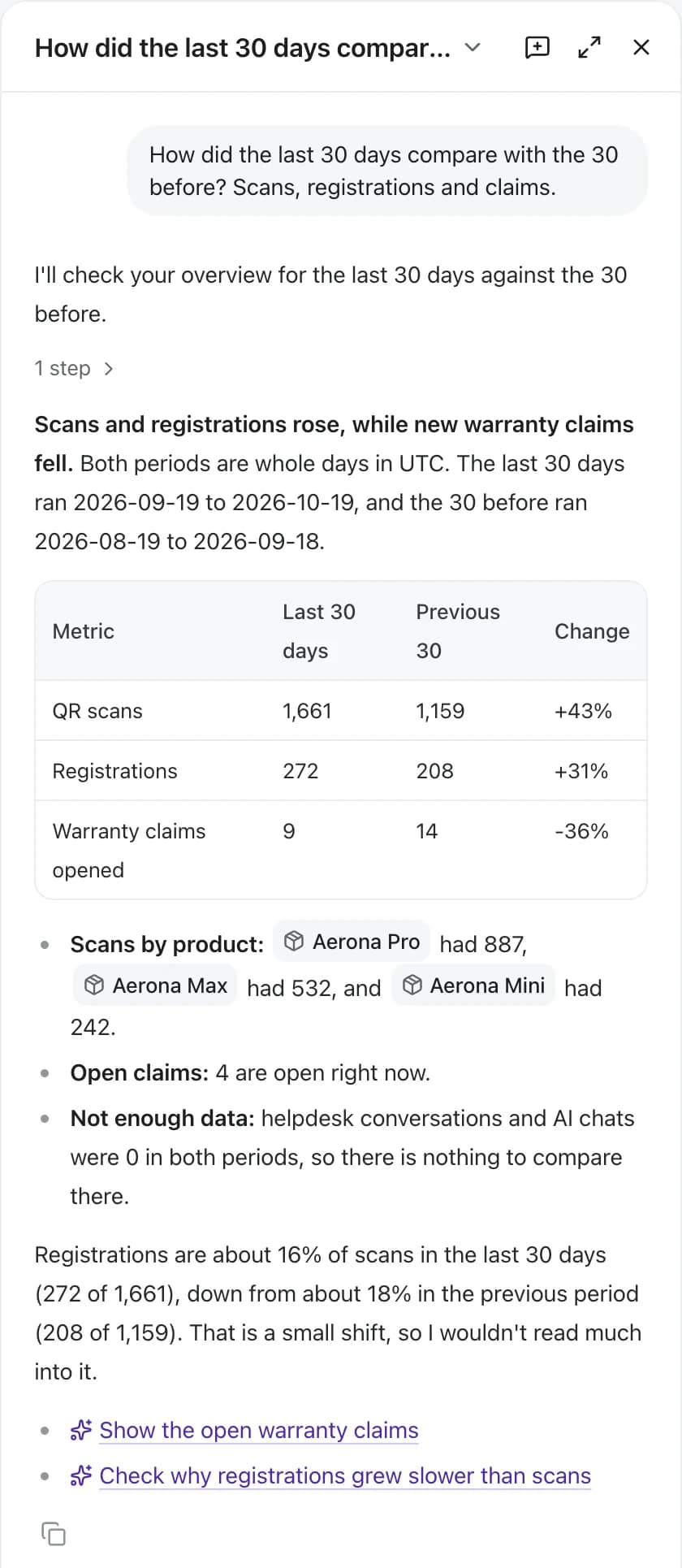
How this month compares, which products get the most attention and what needs yours. Vera is clear about the dates it used, and honest when there isn't enough data yet.
Vera sees and does only what you can.
Vera looks things up freely, but asks before it changes anything.
Every change is in your audit log, marked as AI on your behalf.
Your conversations with Vera are yours alone.
Everything Vera mentions links straight to it, so you can check.
Vera knows which page you're on, so “this product” just works.
Start free in minutes, or book a personalized walkthrough with our team.