
Post-purchase emails that follow the owner, not the order.
Flows triggered by registrations, warranties and claims: a welcome that gets the product set up, care reminders when they matter, a check-in after a repair and offers owners actually want. With no per-email fees.
What do you want to automate?

Build a flow in minutes, see results on every email.
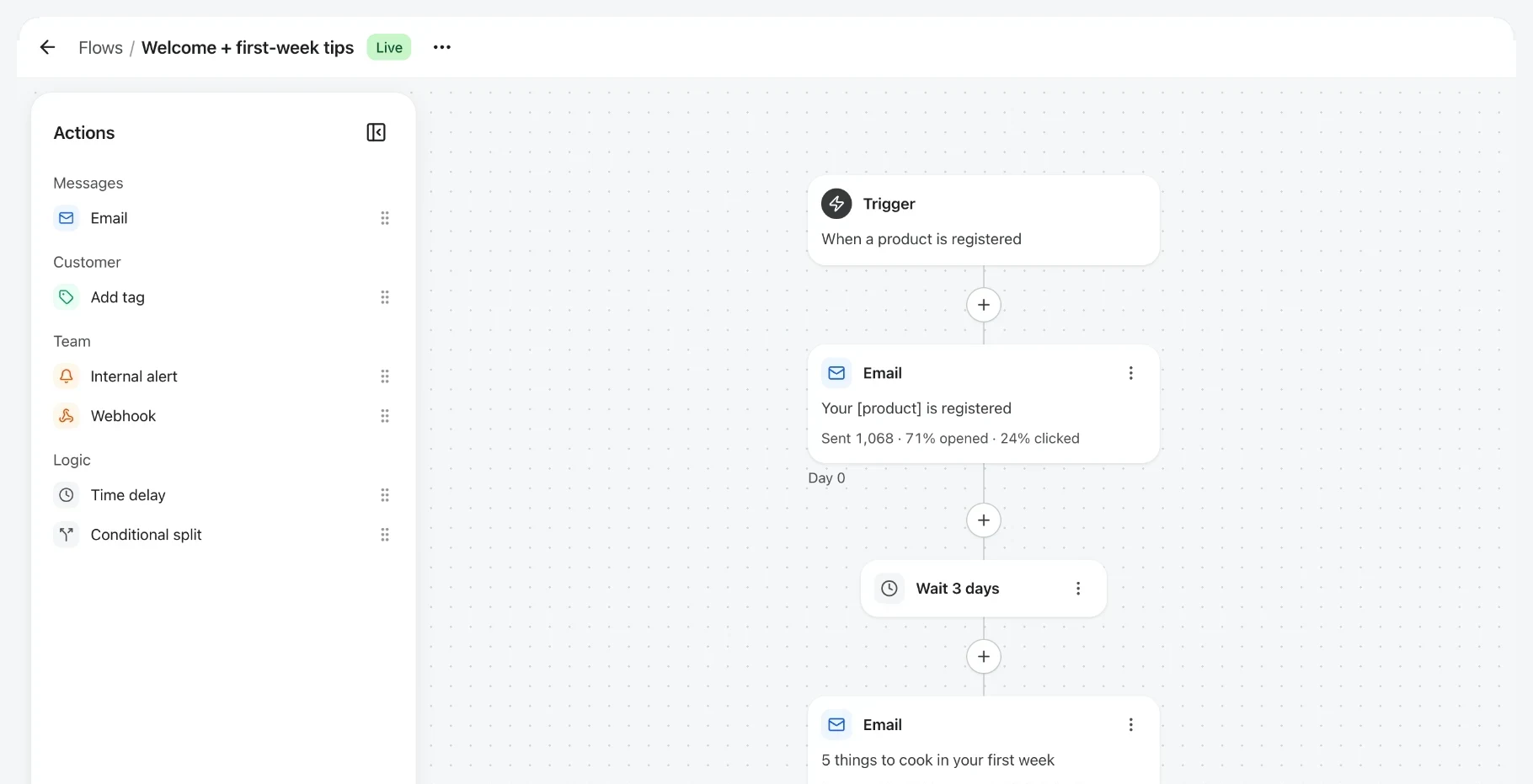
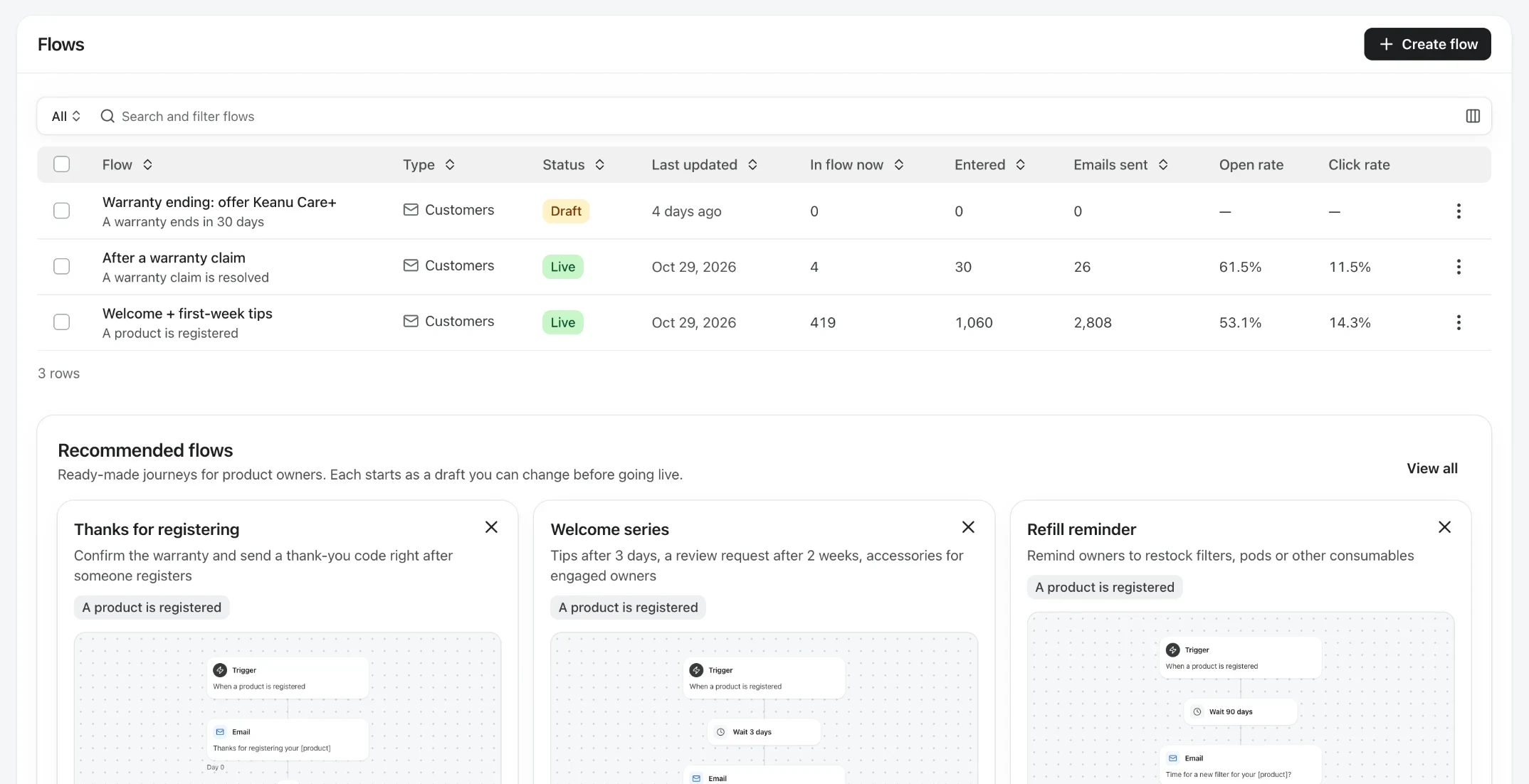
Pick a trigger, add emails, waits and yes/no splits, and watch sent, opened and clicked on each step of the canvas.
- Triggered by the product
- Registrations, expiring warranties, resolved claims or a date you pick.
- Waits and splits
- Delays in hours or days, and yes/no branches that merge back.
- Results on the canvas
- Sent, opened and clicked on every email.
What can you automate after a purchase?
Every message that's useful to an owner at a predictable moment. Automate those, and your team only writes to owners when something unusual happens.
Welcome and onboarding
A thank-you after registration and a short series that gets the product set up and used well.
Care and maintenance
Reminders every few months, refill and filter prompts, and a seasonal check, tied to the product they own.
Warranty and claims
“Warranty ending soon” with an extension offer, and a check-in after a claim is resolved.

Triggered by what owners do, not by an order
Order-based automations stop at your own store's customers. Veribl's flows start from the owner's product record, so they reach everyone who registered, wherever they bought.
Product events
A registration, a warranty about to end, a resolved claim, or a notice to owners of a product.
Calendar events
Every few months after registration, or on a yearly date such as the start of the season.
Branches that react
Yes/no splits on what owners did, so a reminder only goes to people who need it.
Set up your first flow
Start from a template, make it yours, and turn it on.
- Step 1
Pick a template
Thanks for registering, Welcome series, Maintenance schedule, Warranty ending soon and more.
- Step 2
Make it yours
Edit the emails in your brand, link guides and products, and set the waits between steps.
- Step 3
Add a split
Branch on what owners did, for example whether they opened the last email.
- Step 4
Turn it on and watch
Every new owner who matches the trigger enters the flow, and each step shows sent, opened and clicked.
Automation that knows the product
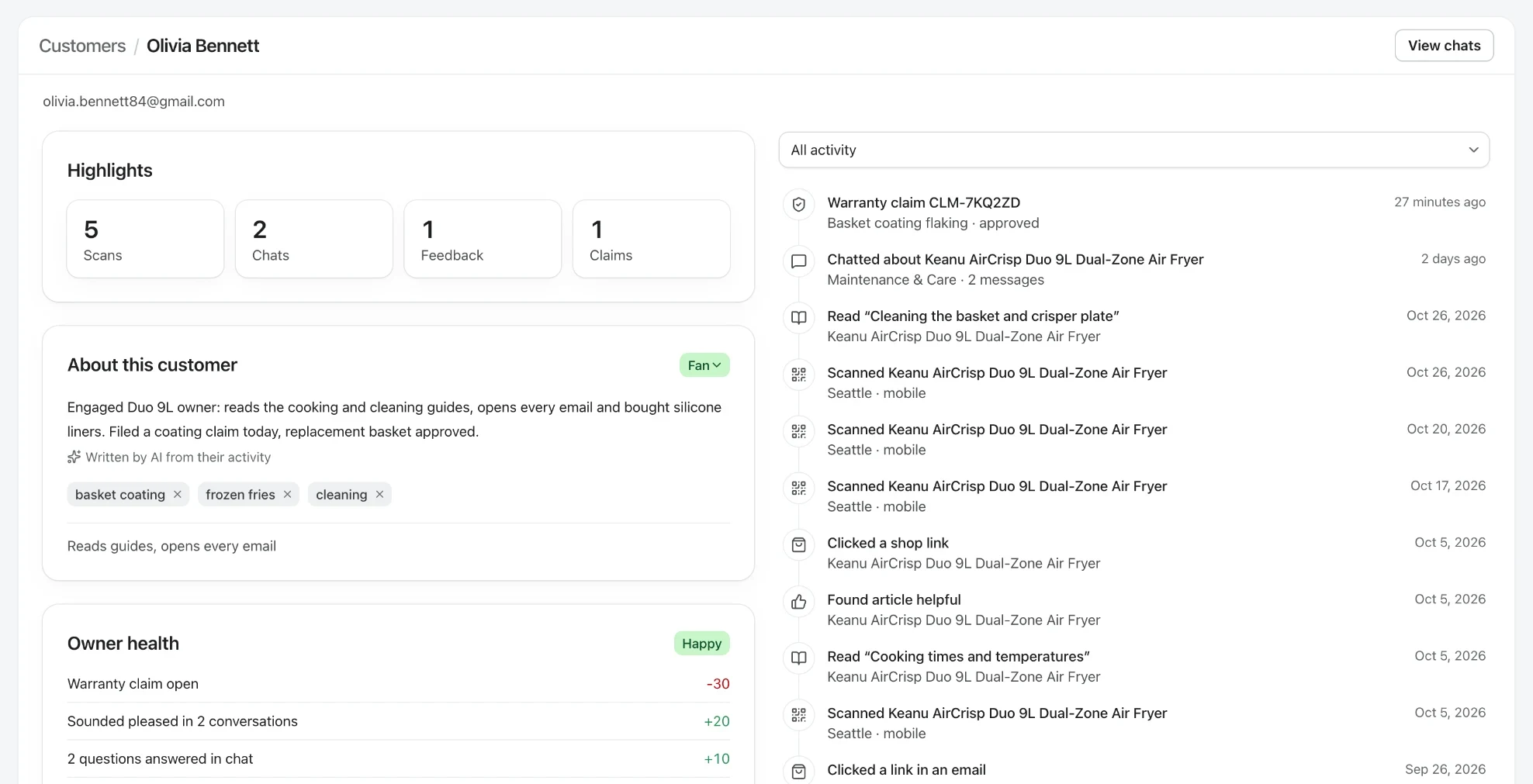
Flows read the owner's product record, so every email can be about the product they actually own.
Triggers for every moment after the sale.
Registrations, expiring warranties with the number of days before you choose, resolved claims, repeating intervals and yearly dates. Claim flows add their own triggers, such as a submitted or approved claim.
No per-email fees.
Email flows are included in Owners, with open and click tracking on every step. Send from your own address with the Brand domain add-on, and send owner events to other tools with the API and webhooks.
Templates for every moment
Ready-made flows you can switch on, then edit.
Thanks for registering
Confirms the registration and links the warranty certificate and setup guides.
Learn your product
A short series with the tips owners need in their first weeks.
Maintenance schedule
Reminders every few months, with the guide for each task.
Extend your warranty
Reaches owners before coverage ends, with your extended plan.
Accessory suggestions
Parts and accessories that fit the product they own.
Tag loyal owners
Marks your most engaged owners so you can treat them differently.
Frequently asked questions
Planning your post-purchase journey?
Turn every product into your best channel.
 4.8/5 on G2