
A great post-purchase experience, wherever they bought it.
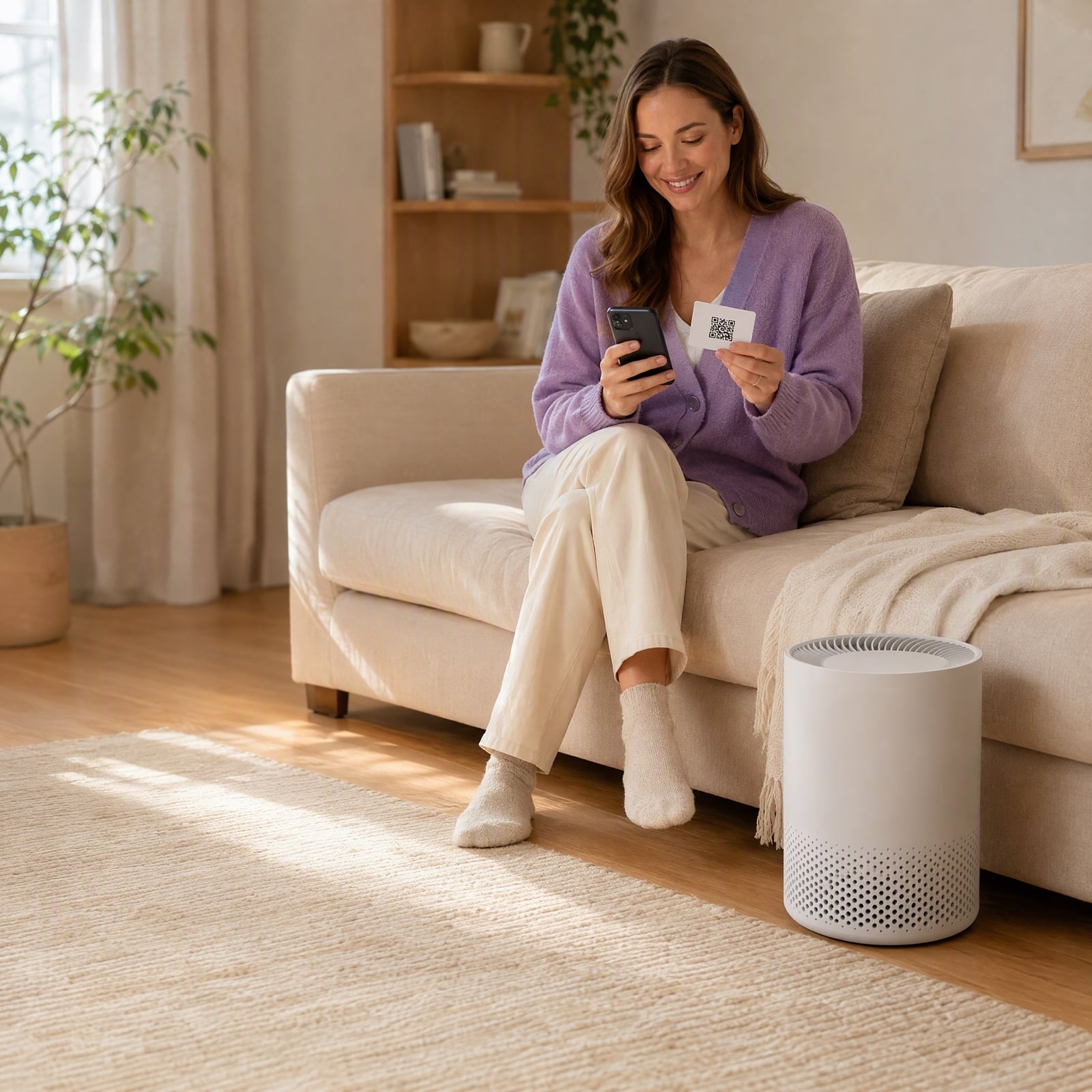
When your product is sold on Amazon or in a store, the order stays with the retailer. A QR code on the product gives every owner setup help, registration in one scan, answers from your manuals and support, and gives you the customer.
What do you want to improve?
Know every owner, not just your store's customers.
Each owner's profile shows their product, how they registered, the guides they read, the questions they asked and the emails they opened, from the first scan on.
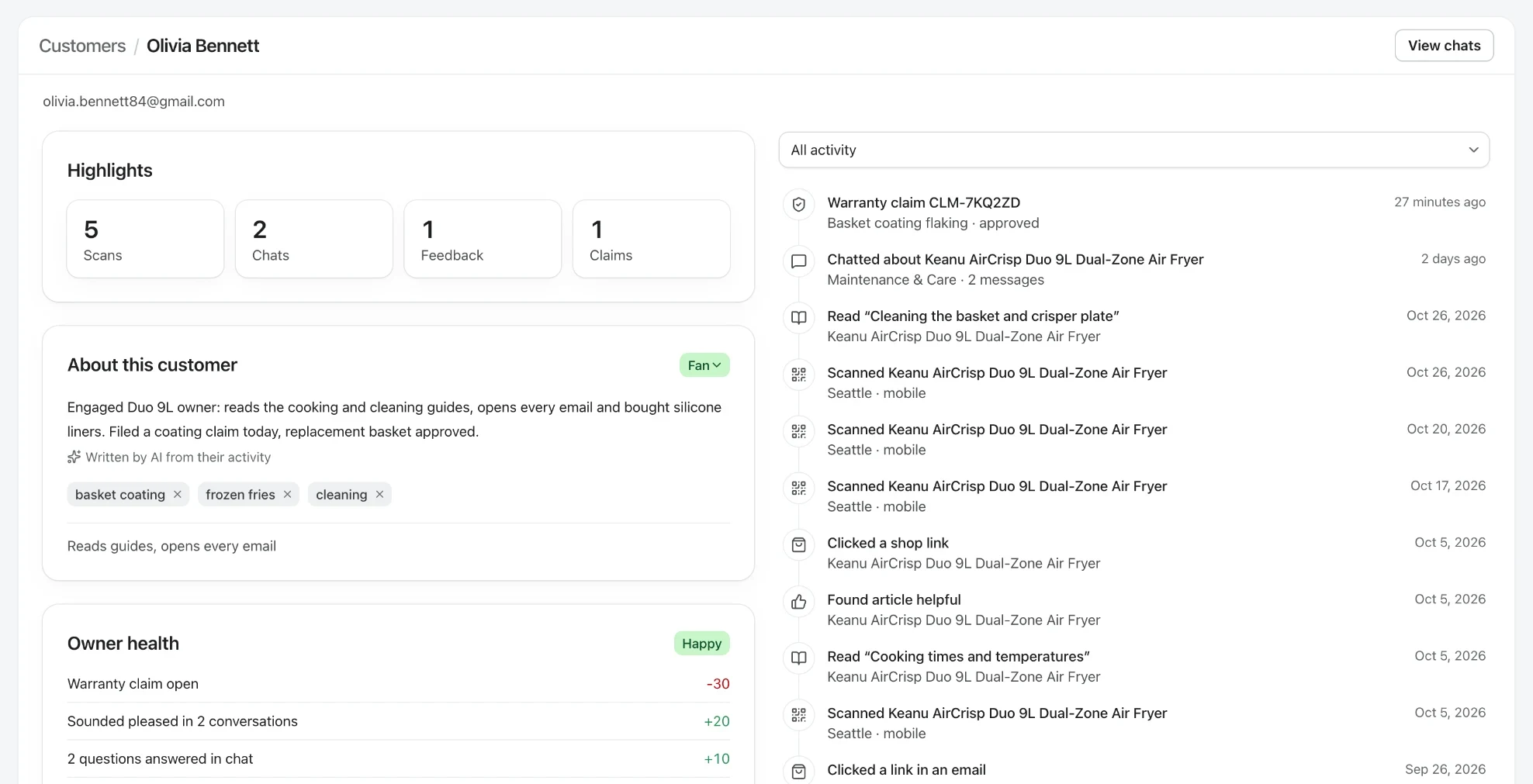
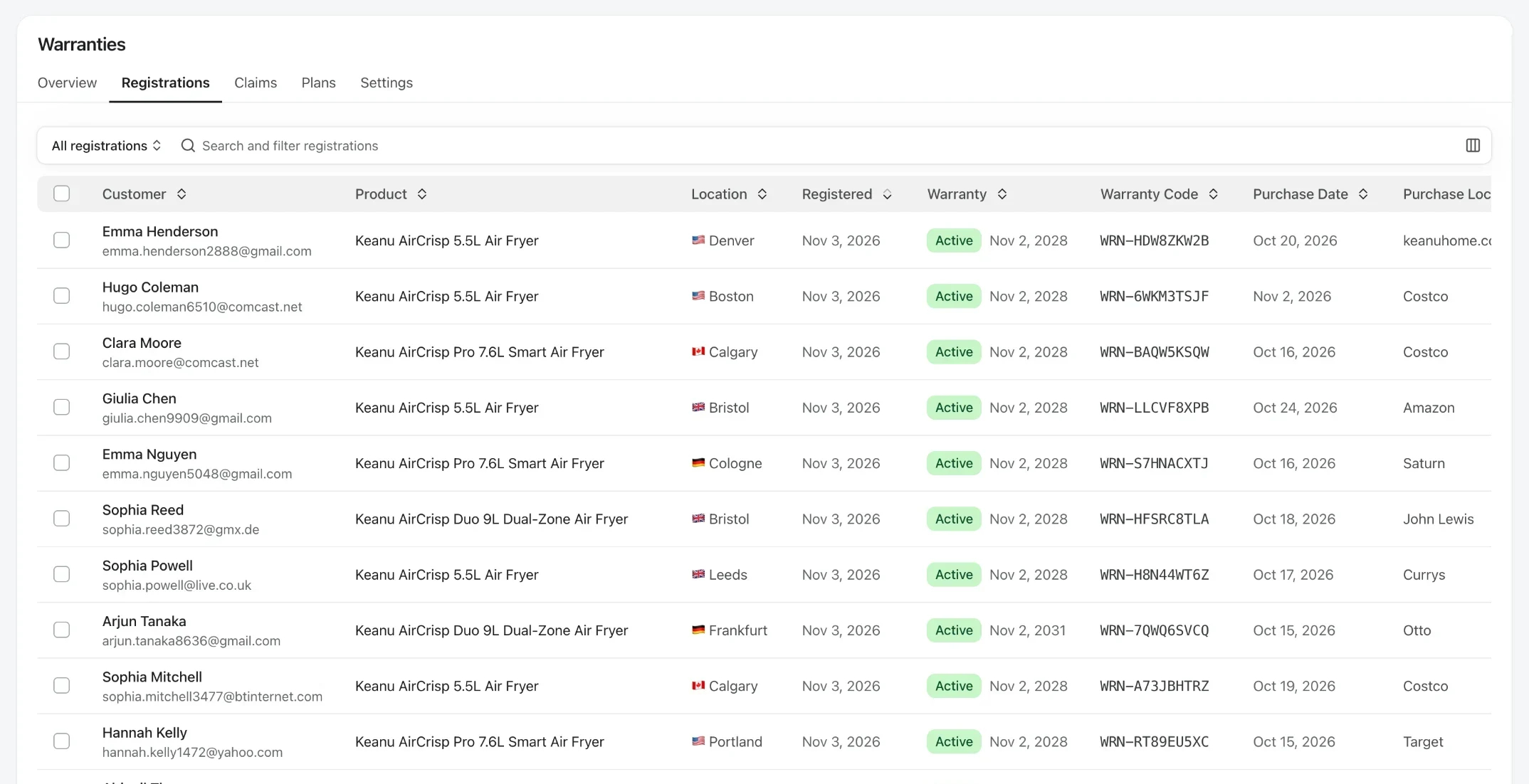
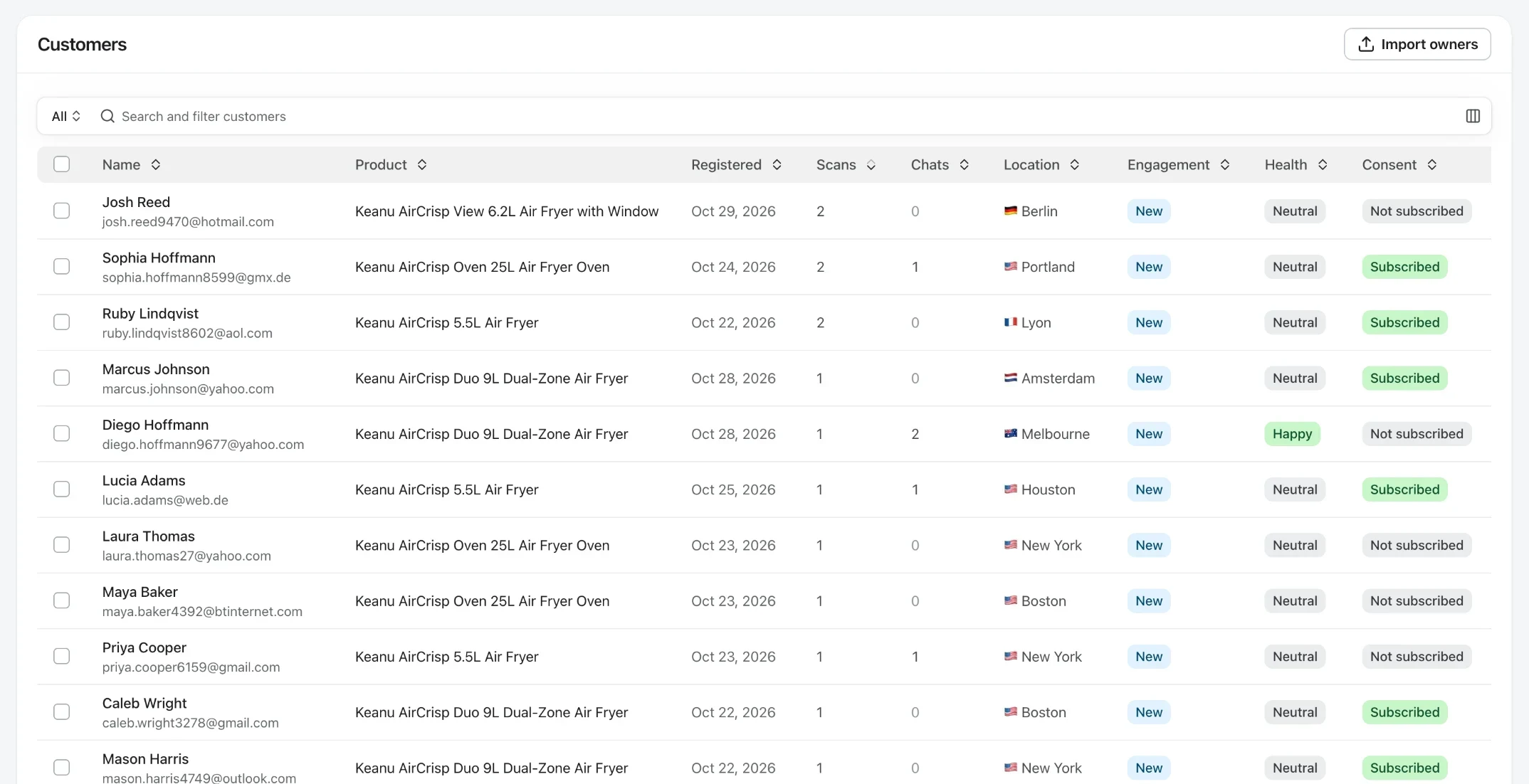
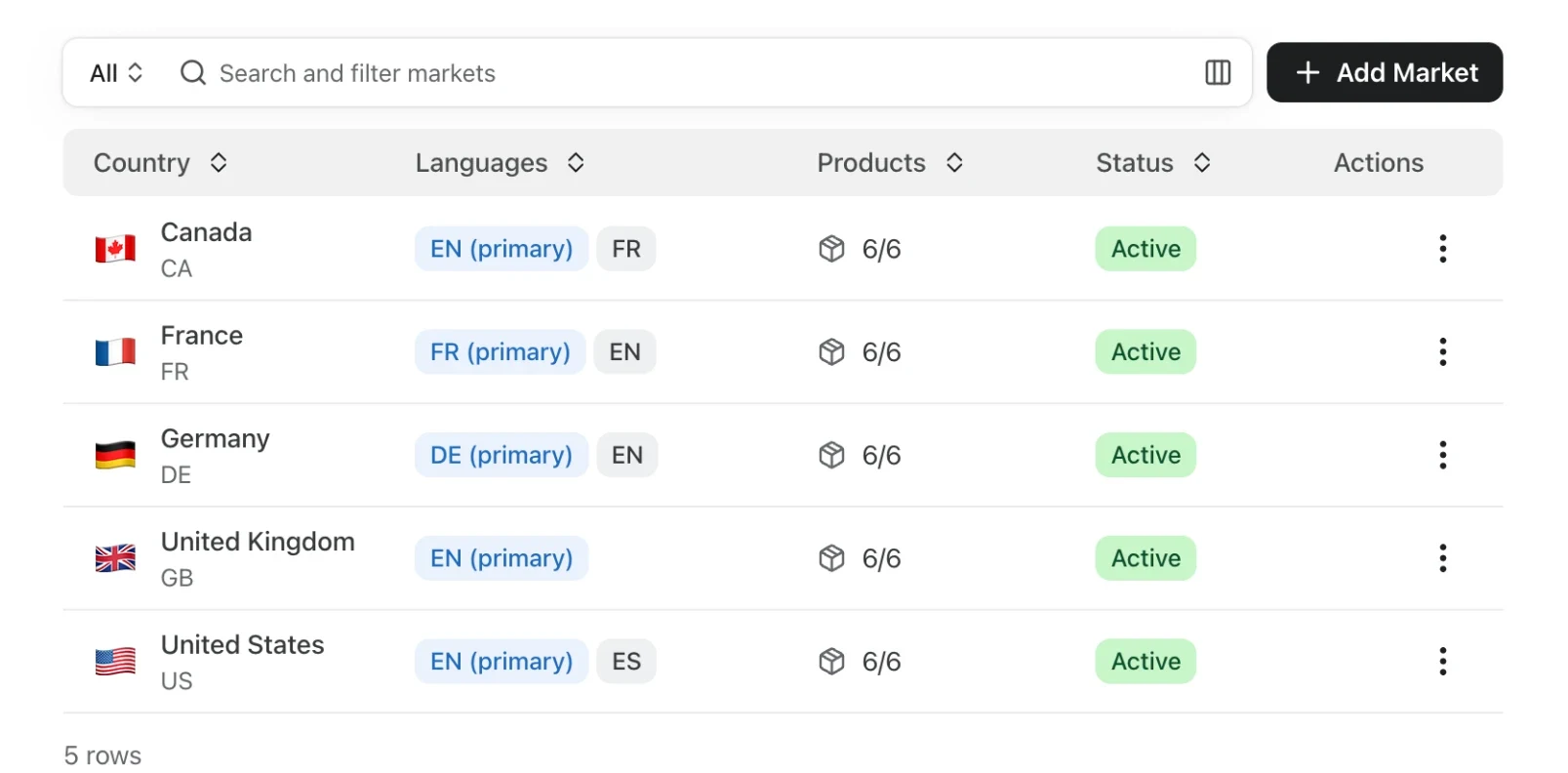
- Every owner
- Retail, marketplace and direct buyers in one list.
- From the first scan
- Registrations, guides read and questions asked.
- Owner health
- See who's happy and who needs a hand, with the reasons.
The post-purchase experience starts on the product, not in your store
When the sale happens at a retailer, you never see the order, so order-based tools never see the customer. The one touchpoint you control is the product itself, and the quick-start card in the box.
One scan, everything there
The QR code opens the page for that exact product: setup guides, the manual, help and the warranty.
Registration owners actually finish
No website to find, no form to hunt for and no account. Purchase date, place of purchase and receipt in one go.
You get the customer
A consented owner record with the product, where they bought it and when, ready for care tips, warranty reminders and offers.

Answers instead of a 50-page manual
Nobody reads a manual cover to cover. They ask a question. The product page answers it in plain language, from your own manuals and guides, in the language the owner writes in, so the first week goes well instead of ending in a return.
Setup guides, step by step
Short guides with photos and video for the first hour with the product.
An AI assistant that knows the product
Answers from your manuals and articles, and hands the conversation to your team when a person is needed.
Support with the product attached
When owners do need you, the question arrives with their product, purchase date and warranty beside it.

An owner's first months, without a single order in your store
What a retail buyer experiences, and what you learn at each step.
- Step 1
Unbox and scan
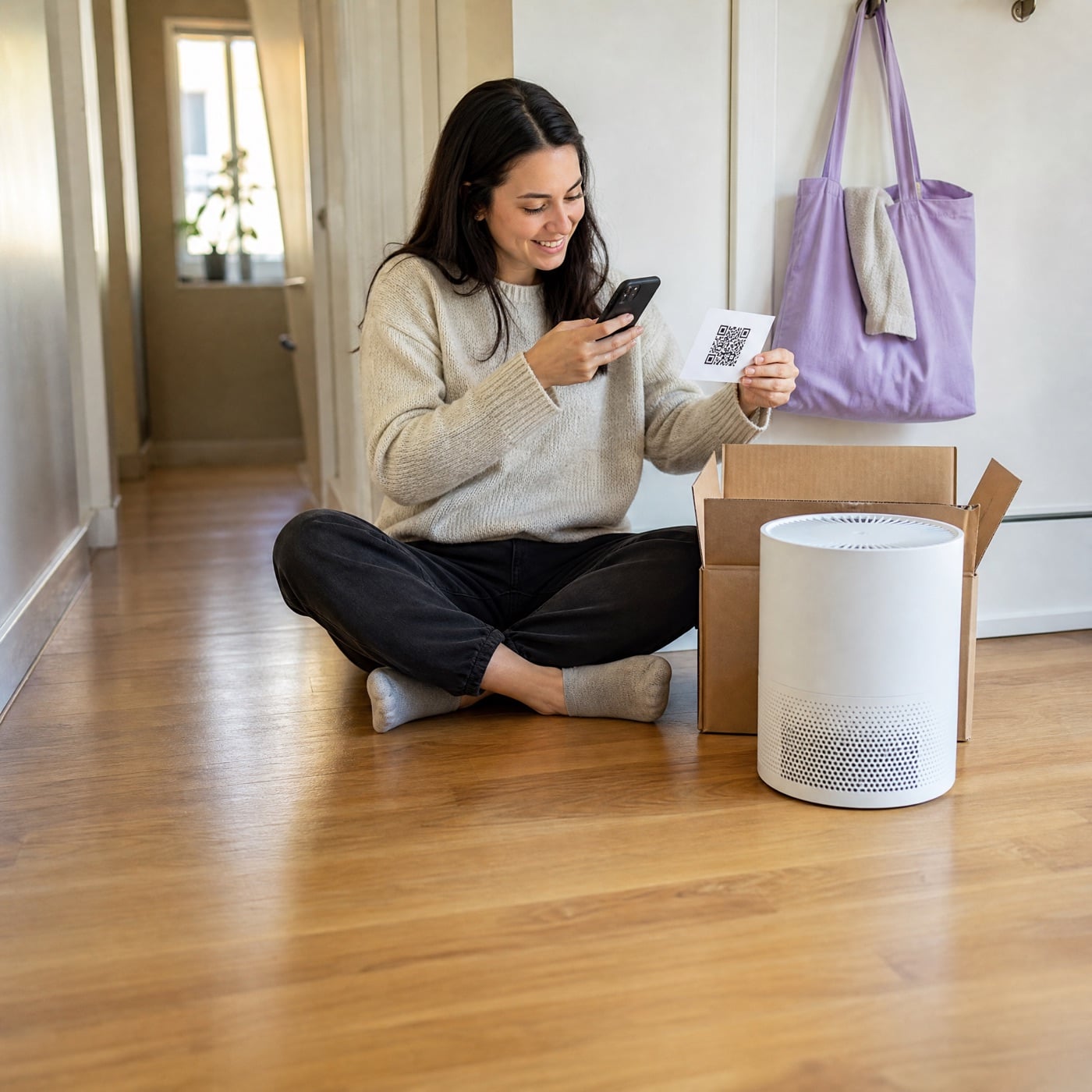
The QR code on the quick-start card opens the product page. Setup guides and the AI assistant get them going.
- Step 2
Register in one scan
They register for their warranty with the purchase date, place and receipt, and get the certificate by email.
- Step 3
Learn the product
A short email series covers the tips owners need in the first weeks, and maintenance reminders follow.
- Step 4
Come back to buy
Filters, parts, accessories and extended warranties link to your store or to the retailer in their country.
Retail sales that turn into relationships
Every scan, question and click comes back to you with the product attached.
See each owner's whole journey.
From the first scan to the guides they read, the questions they asked, the emails they opened and the parts they bought. Owner health shows who's happy and who needs a hand, with the reasons.
Turn product pages into a sales channel.
Accessories, parts and extended warranties link to your store or a retailer per market, and Veribl shows the clicks, orders and revenue that started on a product page or an email.
Built for brands sold through retailers
Products people own for years, where the box opening is the start of the relationship.
Consumer electronics
Setup help, firmware tips and registration for products sold at big-box stores and online.
Home appliances
Installation guides, maintenance reminders and warranty for long-life products.
Sporting goods
Fit, care and assembly help for gear sold through specialist and sports retailers.
Furniture
Assembly guides, care instructions and long warranties for products sold in showrooms.
Frequently asked questions
Planning your post-purchase experience?
Turn every product into your best channel.
 4.8/5 on G2