
Digital product passport examples: live passports, field by field
Two working passports you can scan: an e-bike battery and a cotton T-shirt. See what people see after scanning, what each field means, which rule asks for it and who is allowed to see it.
Live digital product passport examples
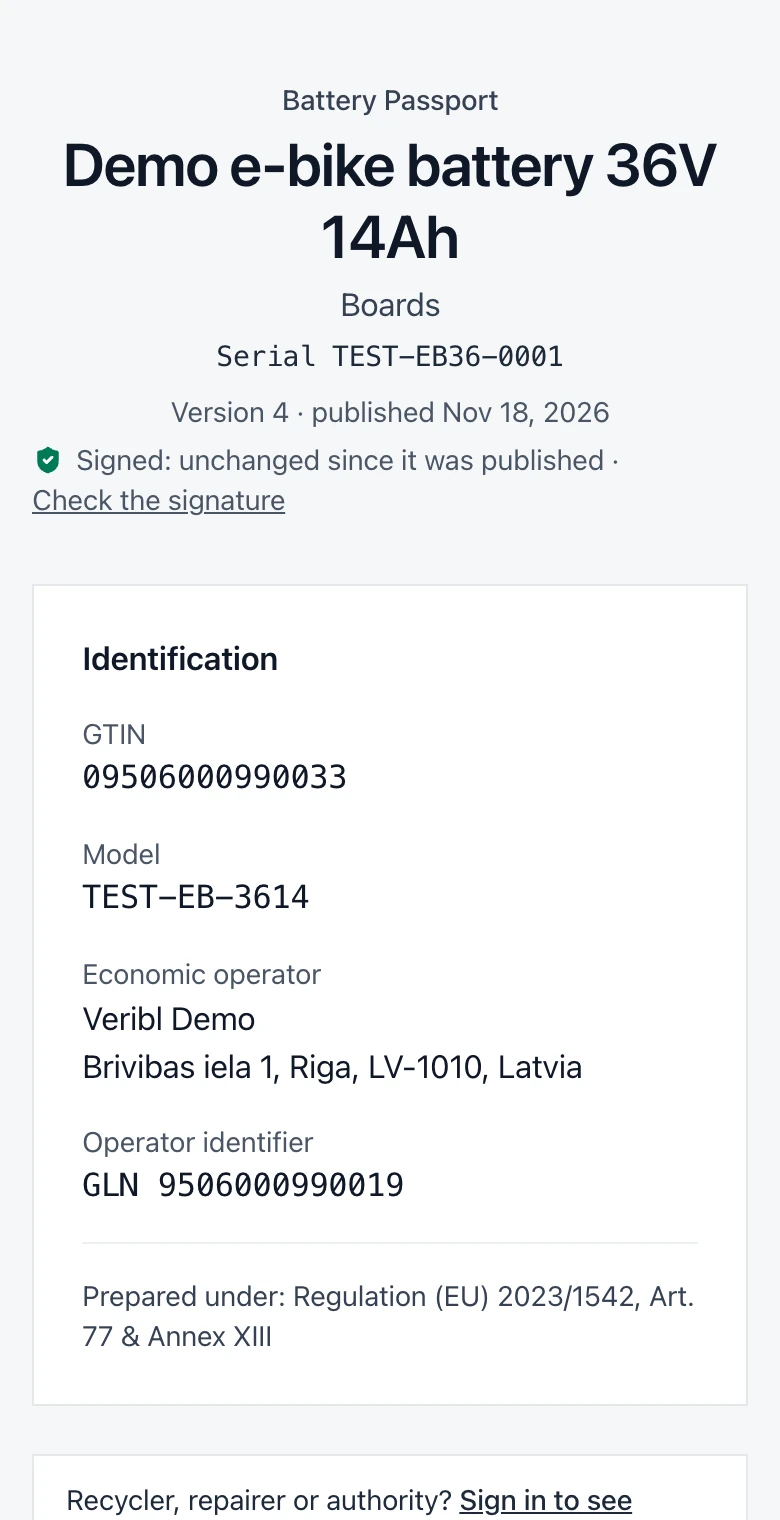
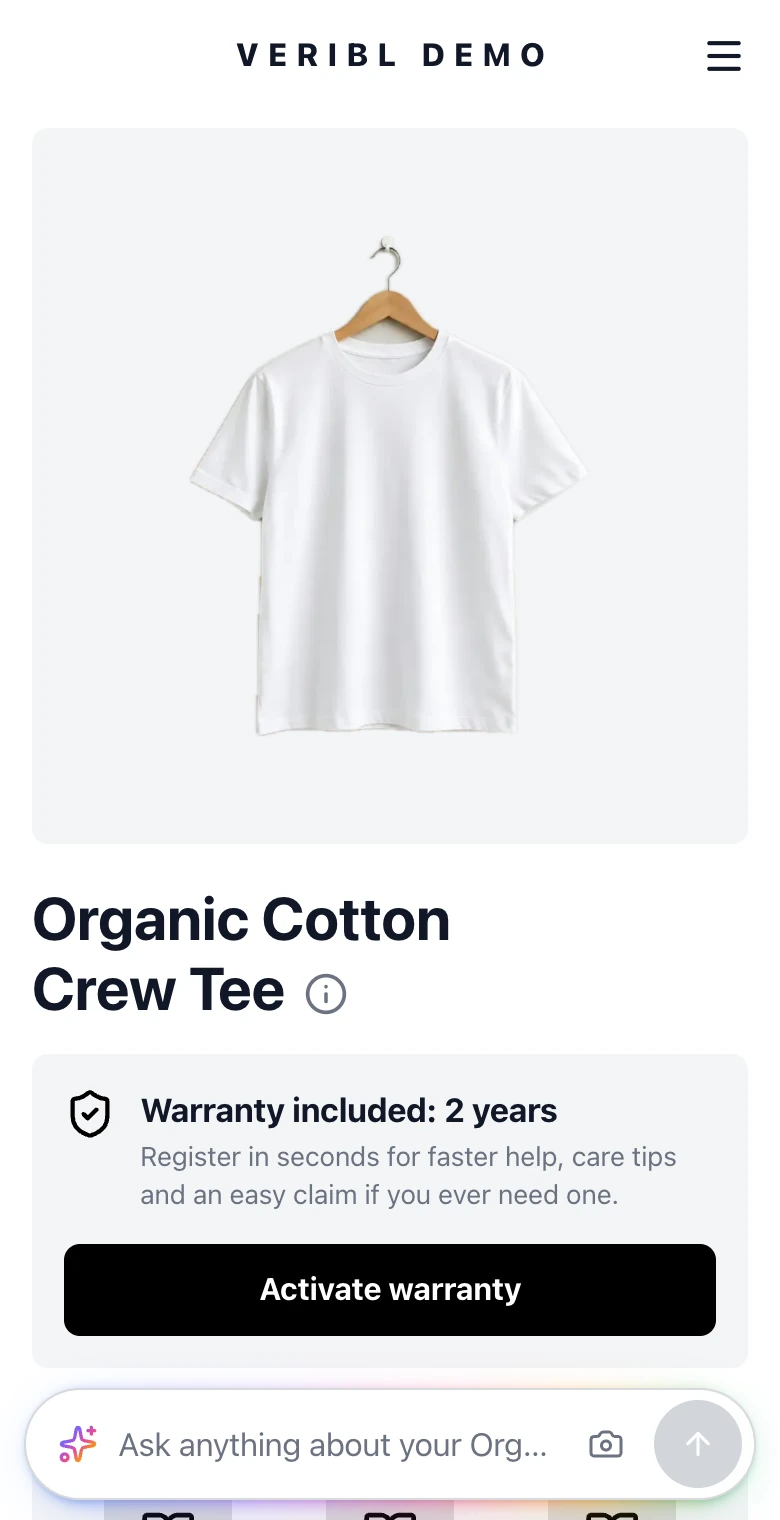
Each example is a real passport on go.veribl.com, explained with screenshots, close-ups of every field and the rule behind it.
Battery passport example
A demo e-bike battery (36 V, 14 Ah)
Required from February 18, 2027 under the EU Battery Regulation
- Every Annex XIII field: performance, carbon footprint, chemistry, recycled content, due diligence
- Who may see each field: everyone, repairers and recyclers, or authorities only
- One passport per battery, with its serial number
- Catena-X, AAS and JSON-LD formats
Textile passport example
A demo organic cotton T-shirt
Expected around 2028–2029; parts are EU and French law today
- Materials, recycled share and the country of each production step
- Care instructions, declarations and certificates
- Which rule asks for each field today
- The same passport in the UN Transparency Protocol format
What every digital product passport has
Whatever the product, a passport is built from the same four parts. The examples show each of them on a live product.
- 1
A data carrier on the product
A QR code or Data Matrix on the product, label or packaging. It holds a GS1 Digital Link: a web address built from the product's GTIN, plus a serial number when the passport is per item.
- 2
A page people can read
Scanning opens the passport in the browser, no app needed. It shows the product's identity, materials, how to use, repair and recycle it, and its declarations.
- 3
The same data for machines
Authorities, retailers and recyclers read the passport as structured data, such as JSON-LD, the UN Transparency Protocol format or, for batteries, Catena-X.
- 4
Access levels
Some data is for everyone, some only for people with a legitimate interest, such as repairers and recyclers, and some only for authorities. The battery rules already set this; other product groups get theirs in their delegated acts.
New to the terms? Read what a digital product passport, GS1 Digital Link and a unique product identifier are.
DPP examples FAQ
Questions brands ask about what a digital product passport looks like. Get in touch.
Turn every product into your best channel.
 4.8/5 on G2